Personalize
Enter your text and choose one of the tested design styles.
Choose a product, personalize the design and download a clean SVG file, ready for your laser cutter.
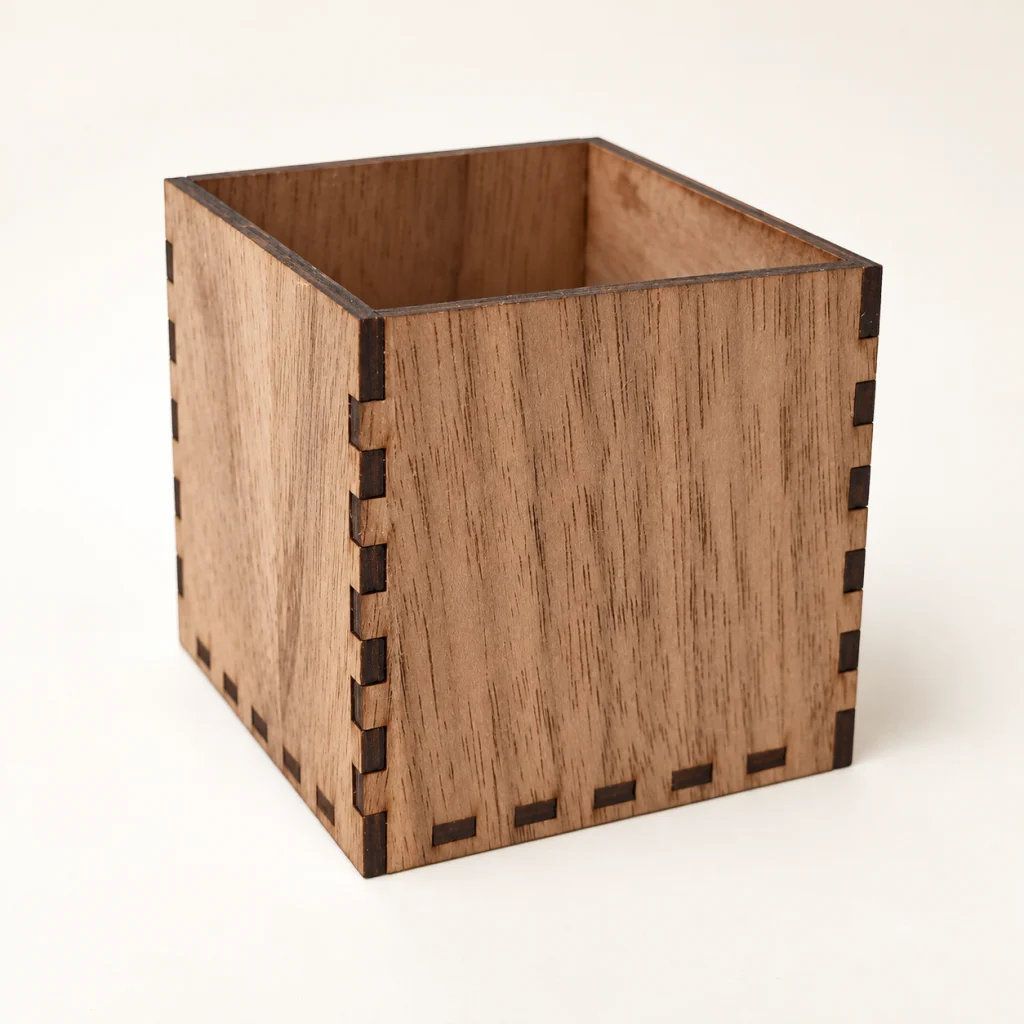
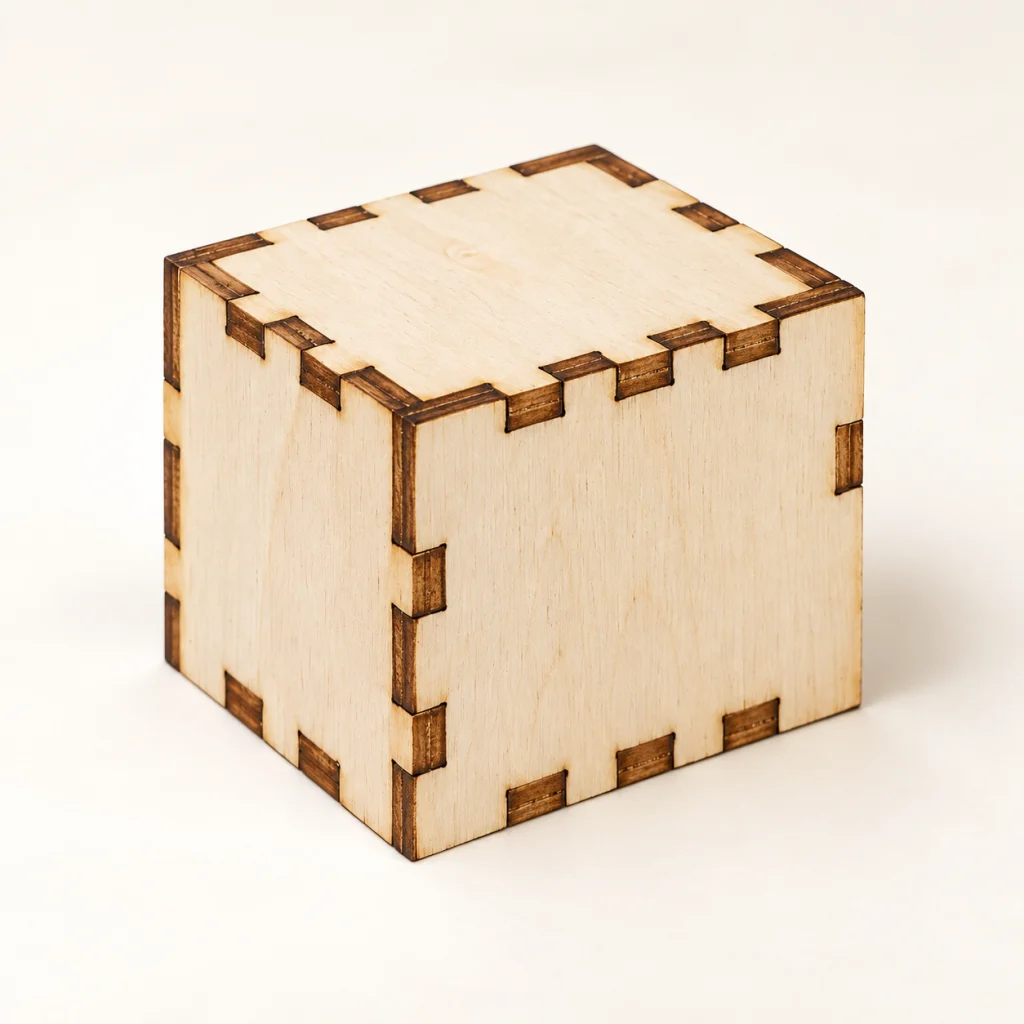
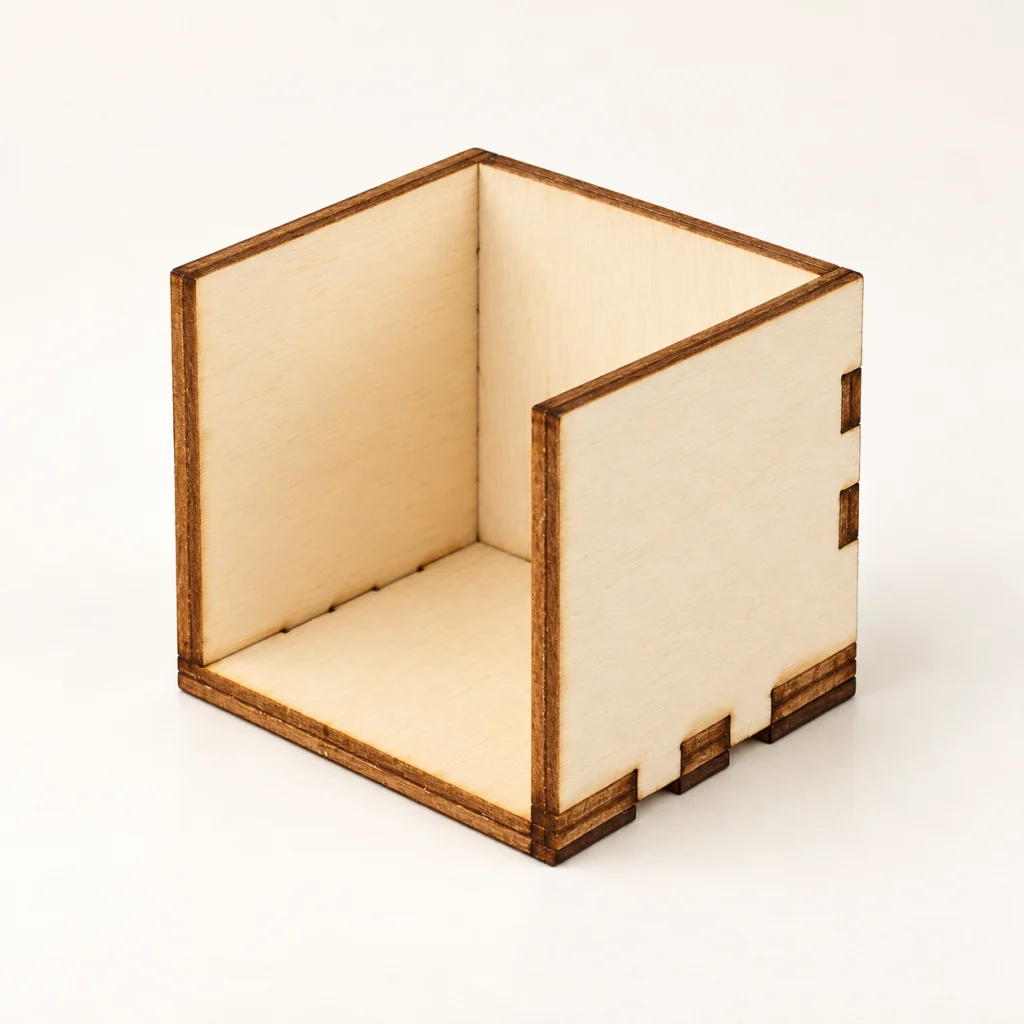
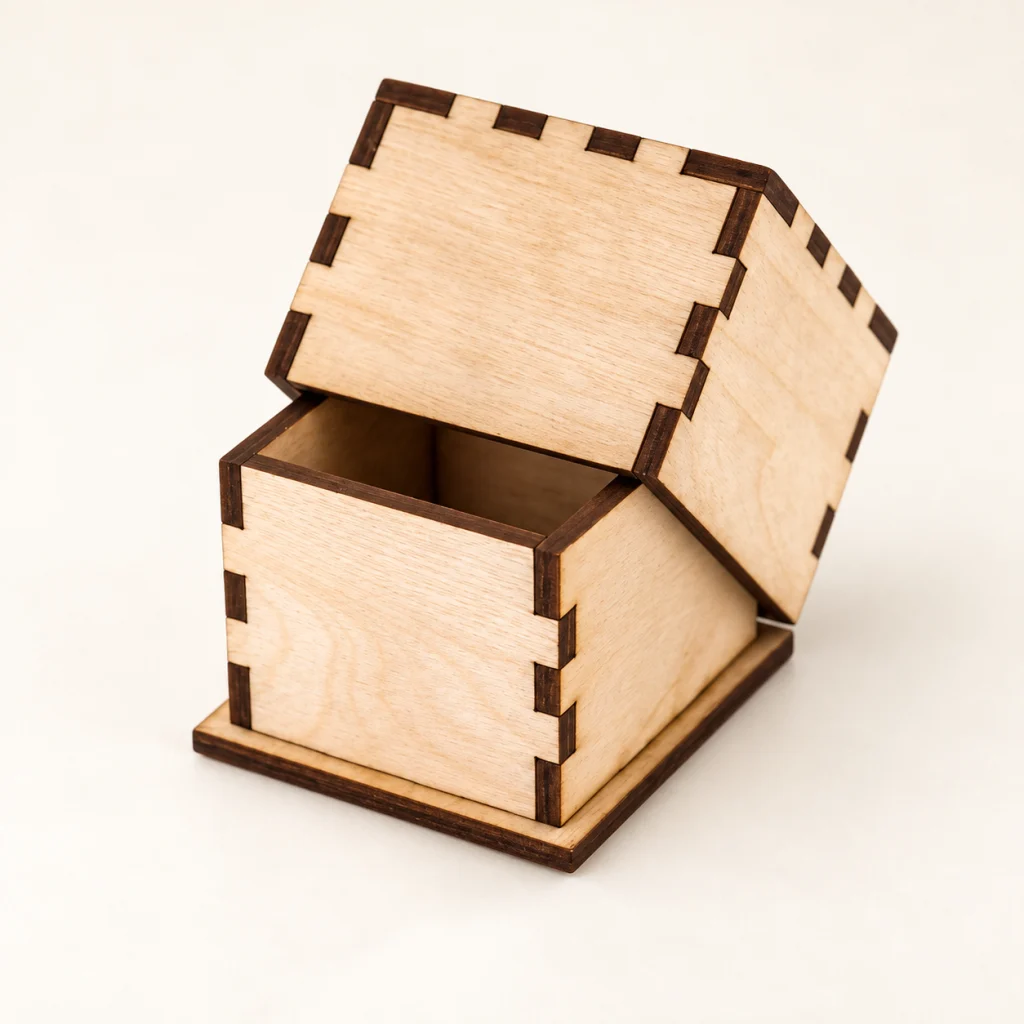
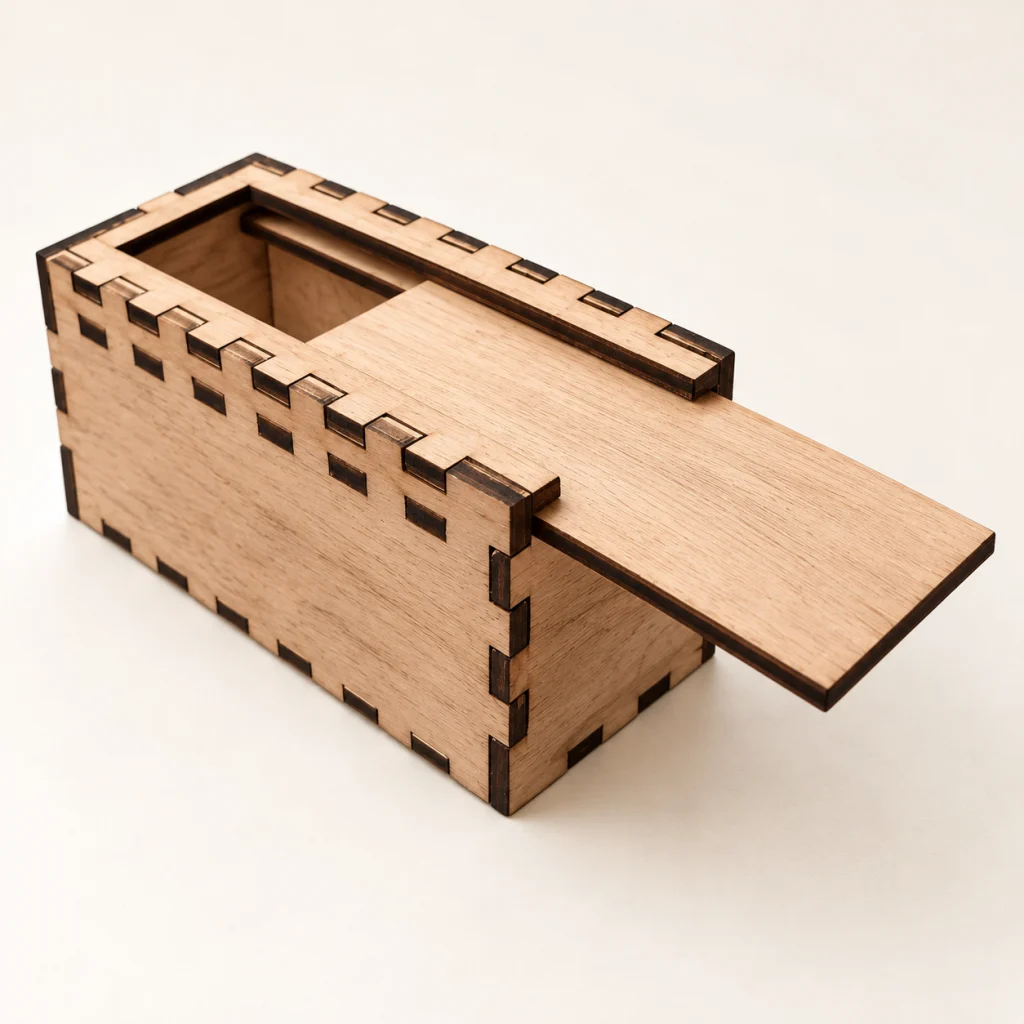
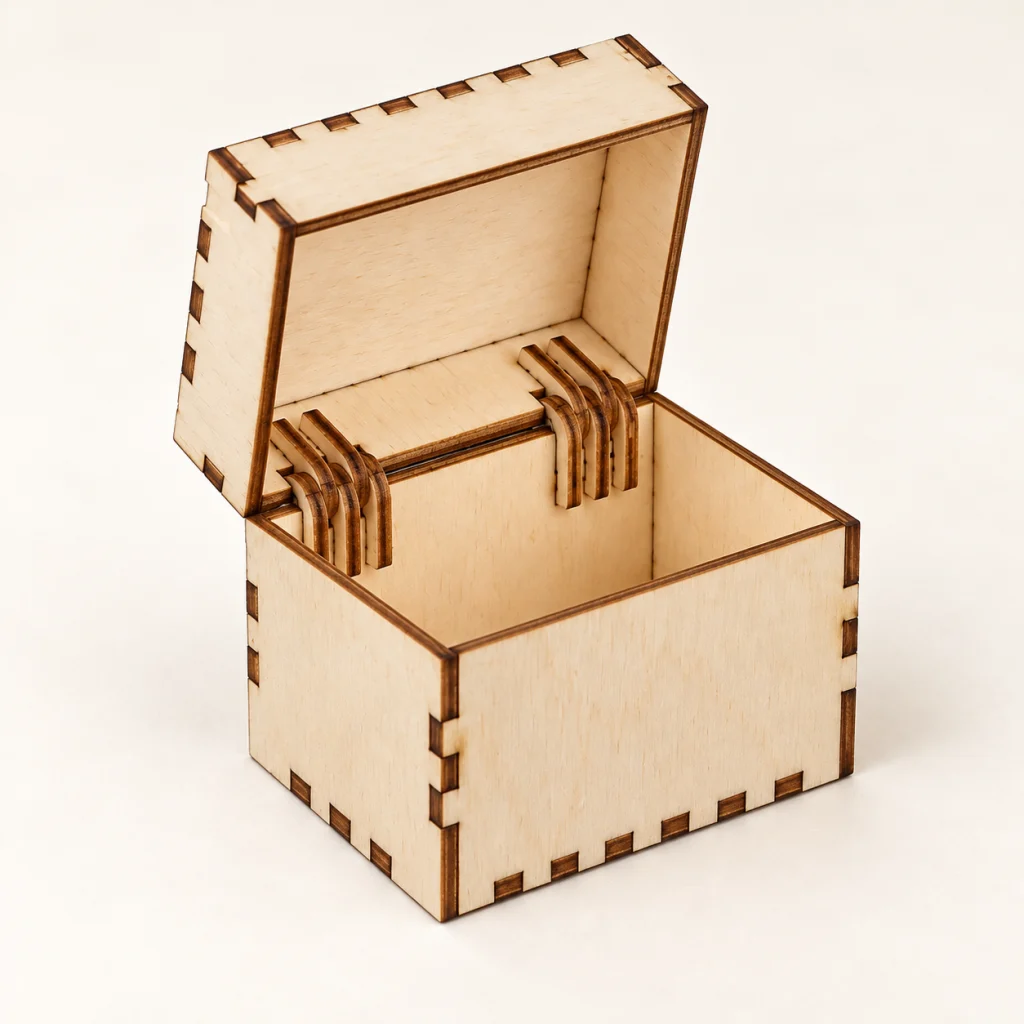
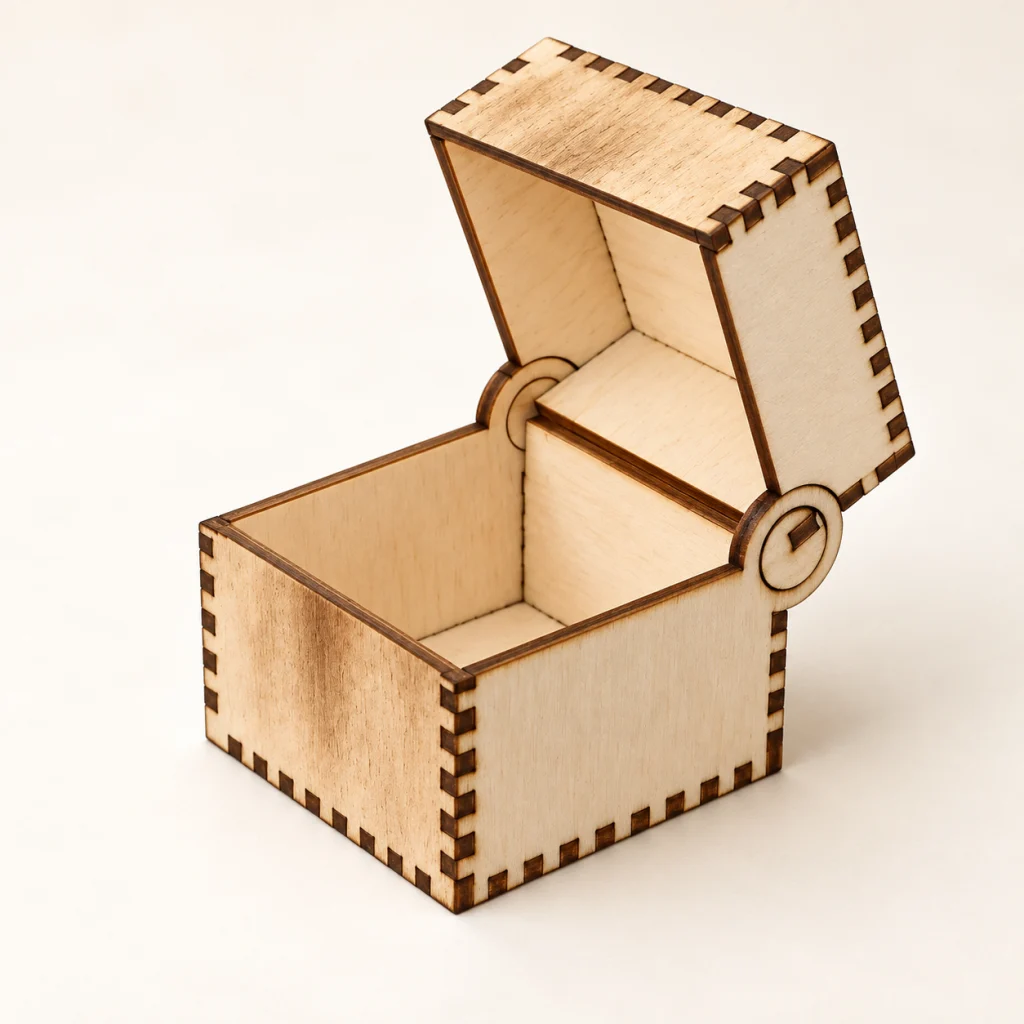
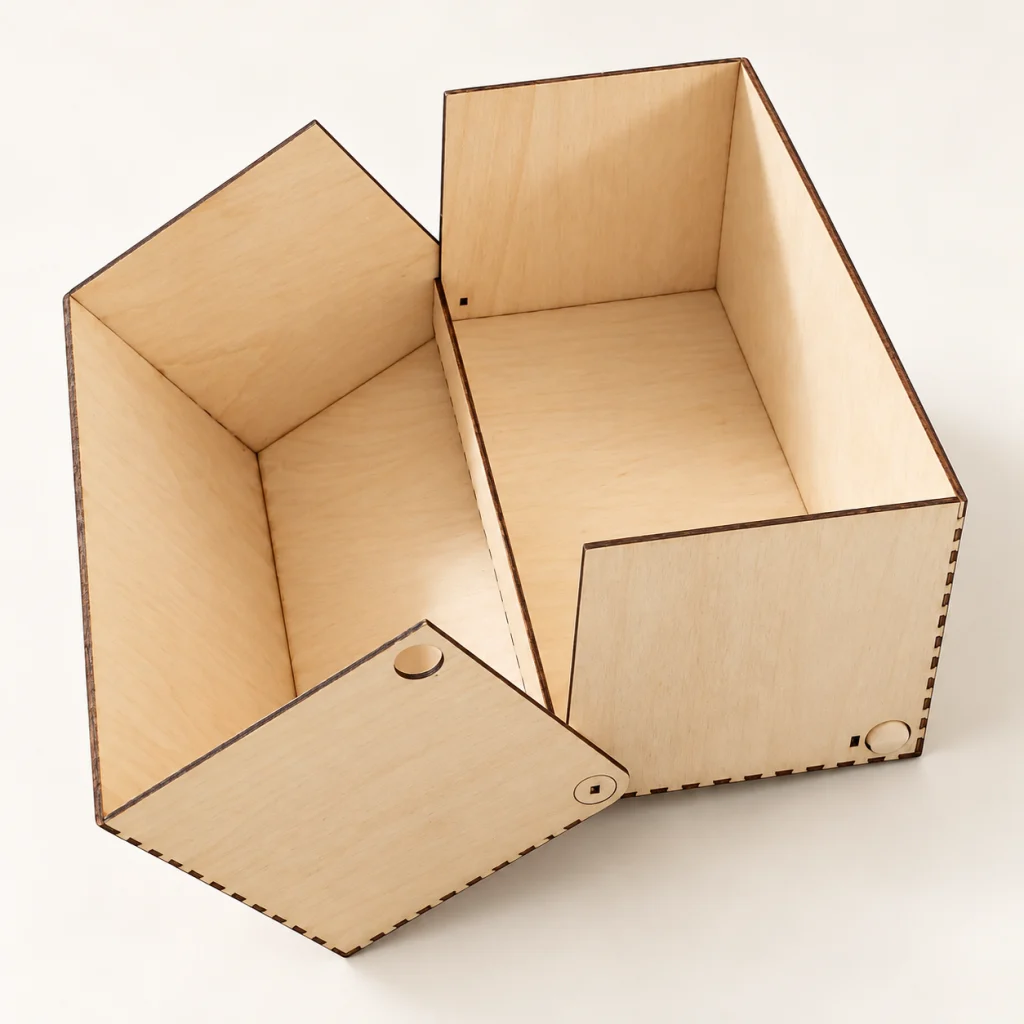
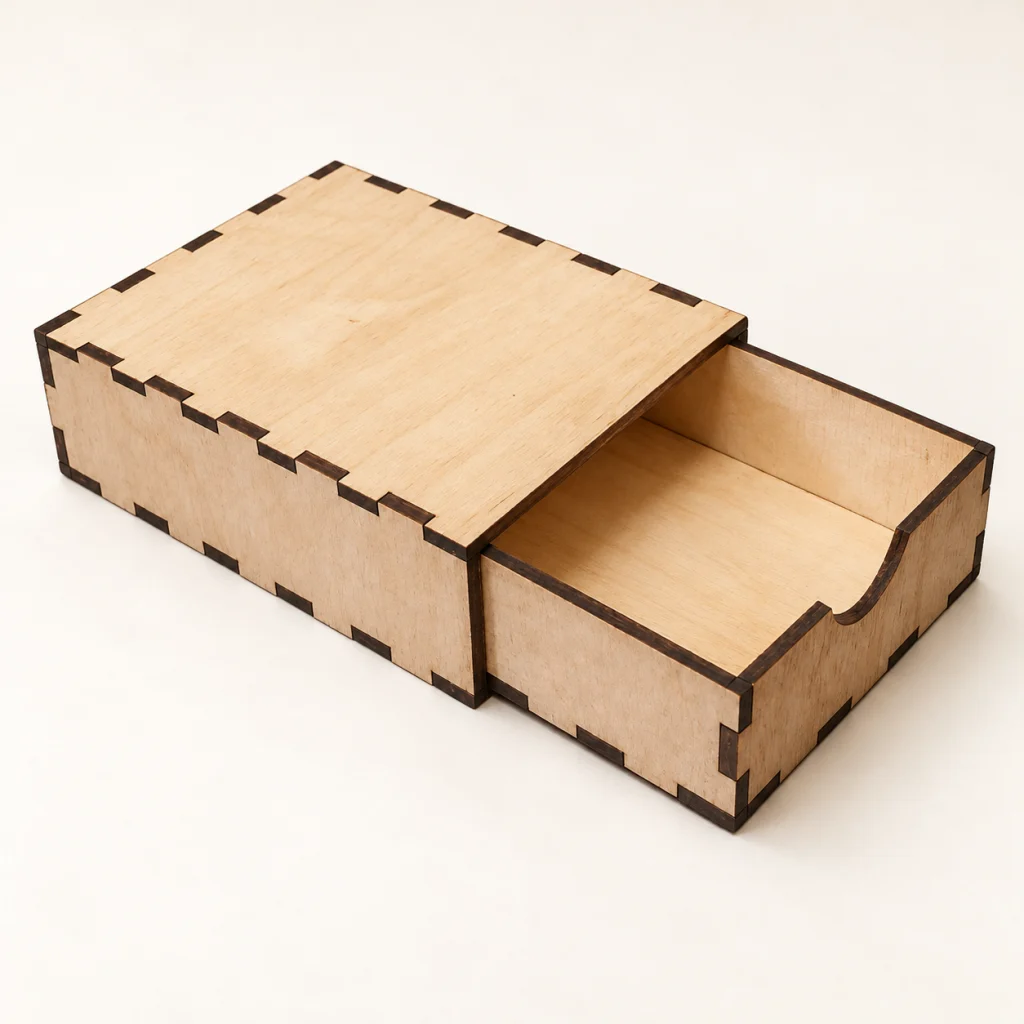
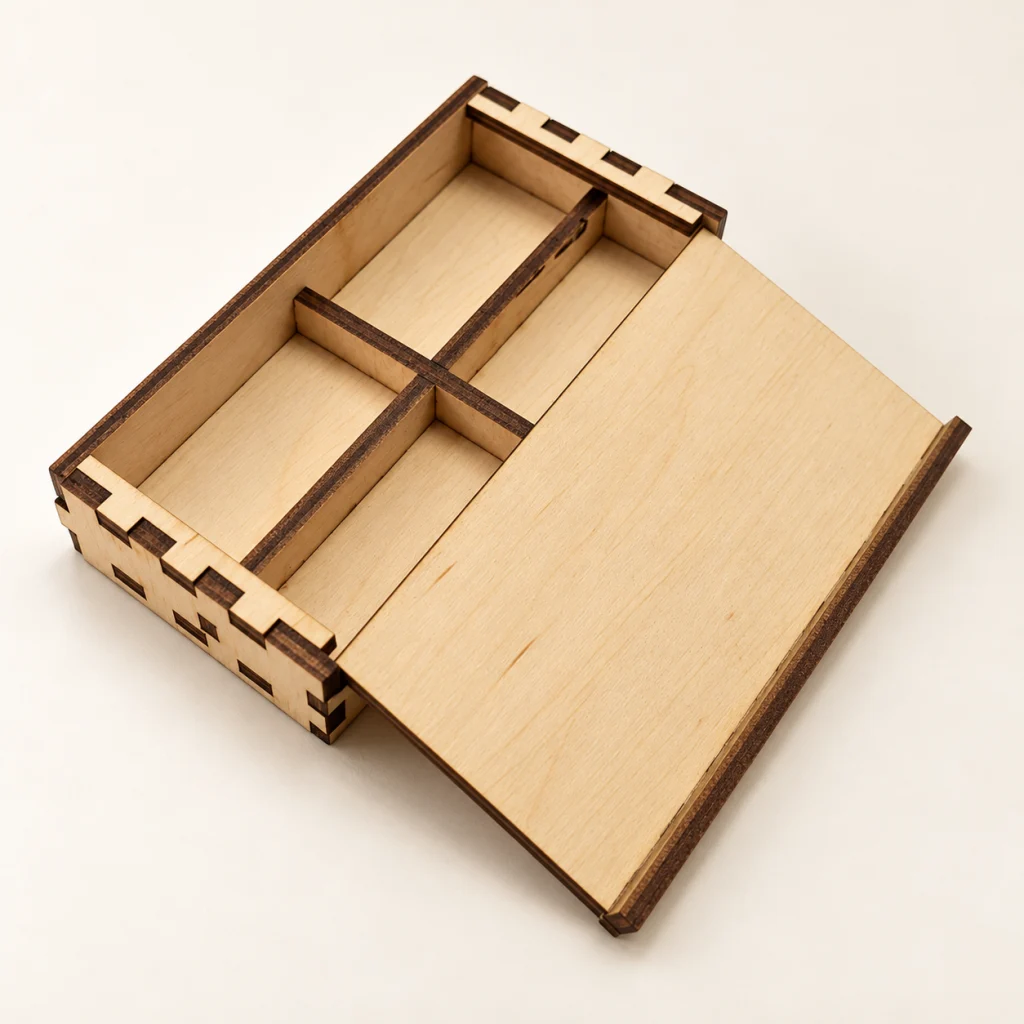
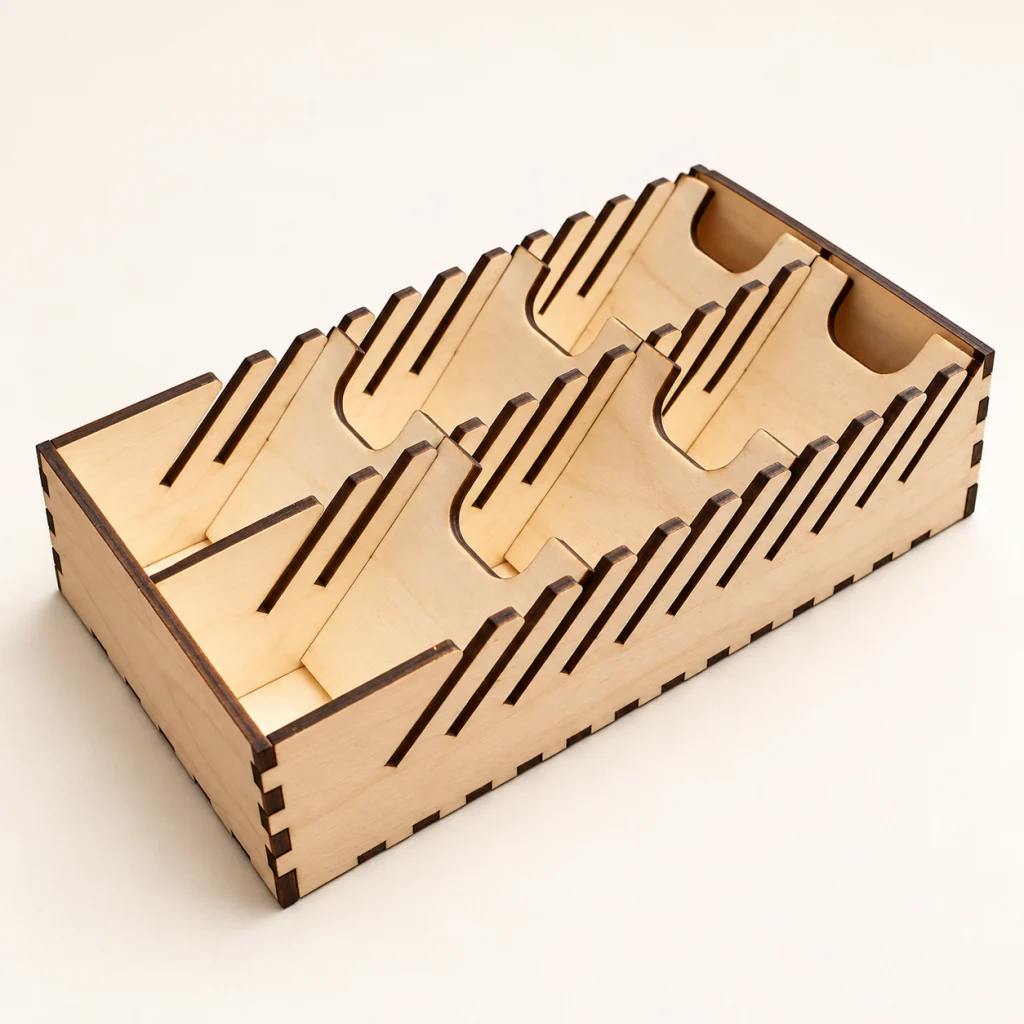
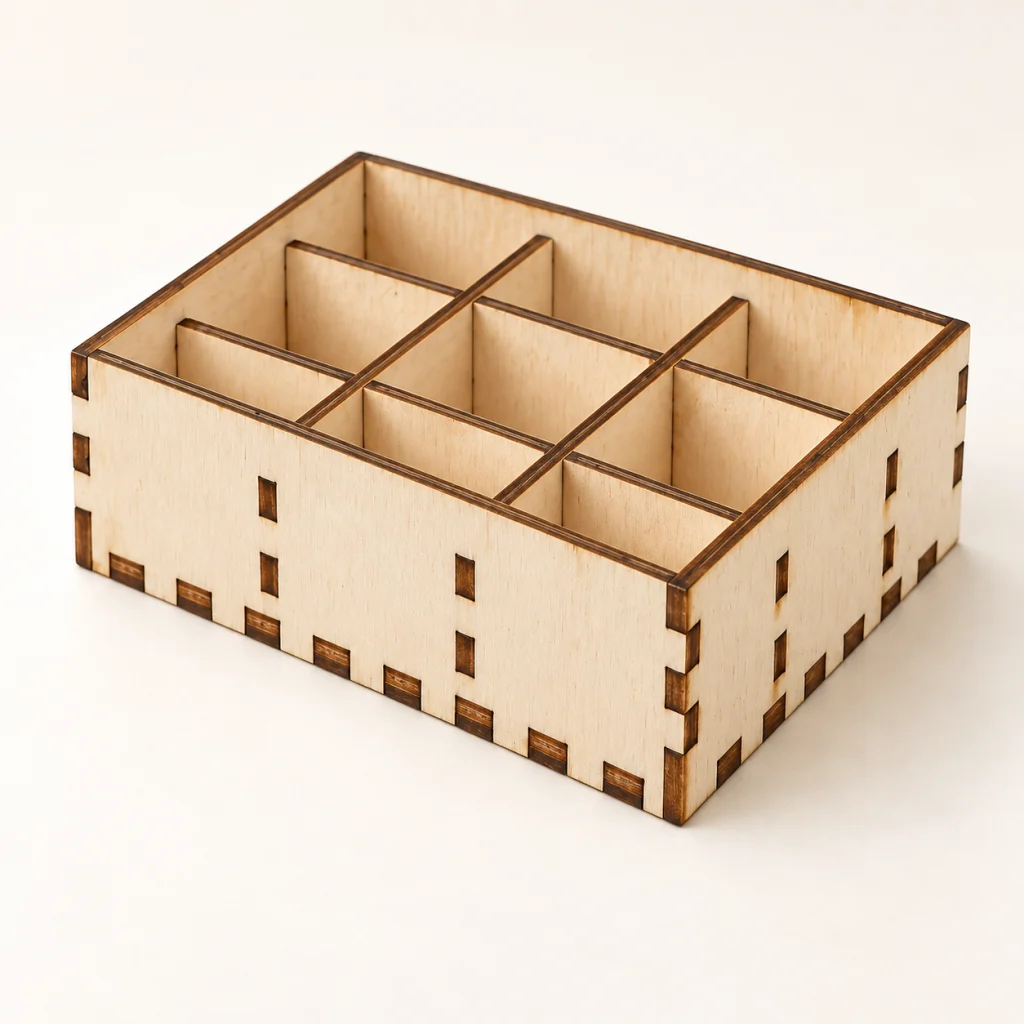
Explore 12 popular box templates below, or browse the full catalog of boxes and personalized designs.
Real interlocking finger joints, a live 3D preview and a locking lid — this is the exact generator, not a mockup.
Enter your text and choose one of the tested design styles.
See the finished product and inspect the layout before downloading.
Get clean, real-scale files ready for your laser software.
Try Cutly with no card required.
For makers selling on Etsy, at markets or in a small shop.
Box files are auto-checked for joint and clearance issues before download, so you can spend less time fixing files and more time making.
“I've tried a few of these 'free generator' sites and this is the first one where the box actually closed on the first print — no fudging the kerf five times. Made 12 gift boxes for a craft fair in one afternoon.”
“Got a Glowforge for Christmas and had no idea what I was doing. Typed in a name, hit download, it just worked. Wish I'd found this before I burned a whole sheet of plywood on a tutorial file.”
“We send new members here now instead of teaching Inkscape on day one. Cut and engrave already come in on separate layers, which used to eat up half our onboarding session.”
“The kerf compensation on the box joints is actually correct, which is rarer than it should be. I still tweak wall thickness by hand for anything over 6mm ply, but for everyday boxes I don't open Illustrator anymore.”
“Not really a maker, just needed a keychain for my sister's birthday. Took about ten minutes start to finish, including figuring out LightBurn for the first time.”
“My 7th graders can go from a blank page to a cut-ready file without me hovering over every laptop. Doesn't sound like much until you've run that class alone.”
Free-tier files are for personal use once you create a free account. Commercial use — selling on Etsy, at markets, or in a shop — requires the Maker plan, which also unlocks every Pro-only generator. See Pricing for details.
Any software that reads SVG — LightBurn, LaserGRBL, Adobe Illustrator and most laser cutter control panels all import SVG directly.
Yes. Open any generator, adjust the parameters, and download a fresh file whenever you need a different size.
Cut lines are marked in red, engrave text in black, and fold/score lines in dashed blue — ready to separate by color in your laser software.