I use it as a reference.


Laser Cut Secret Lightburn Hotkeys Guide Pdf SVG
$3.90
$9.00Save 57%
Unit price
/
Unavailable
SKU:
INF001
⚡ Instant digital download
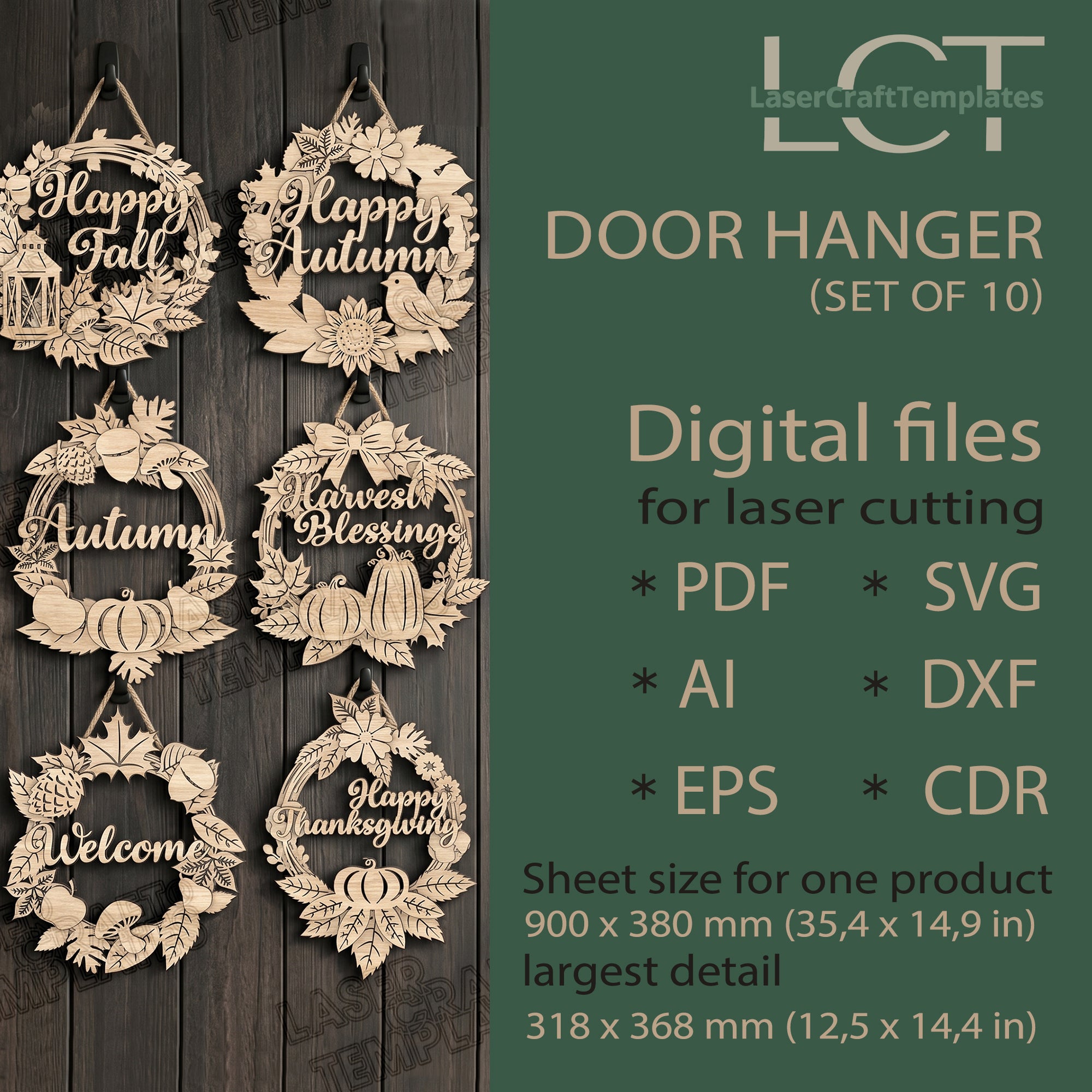
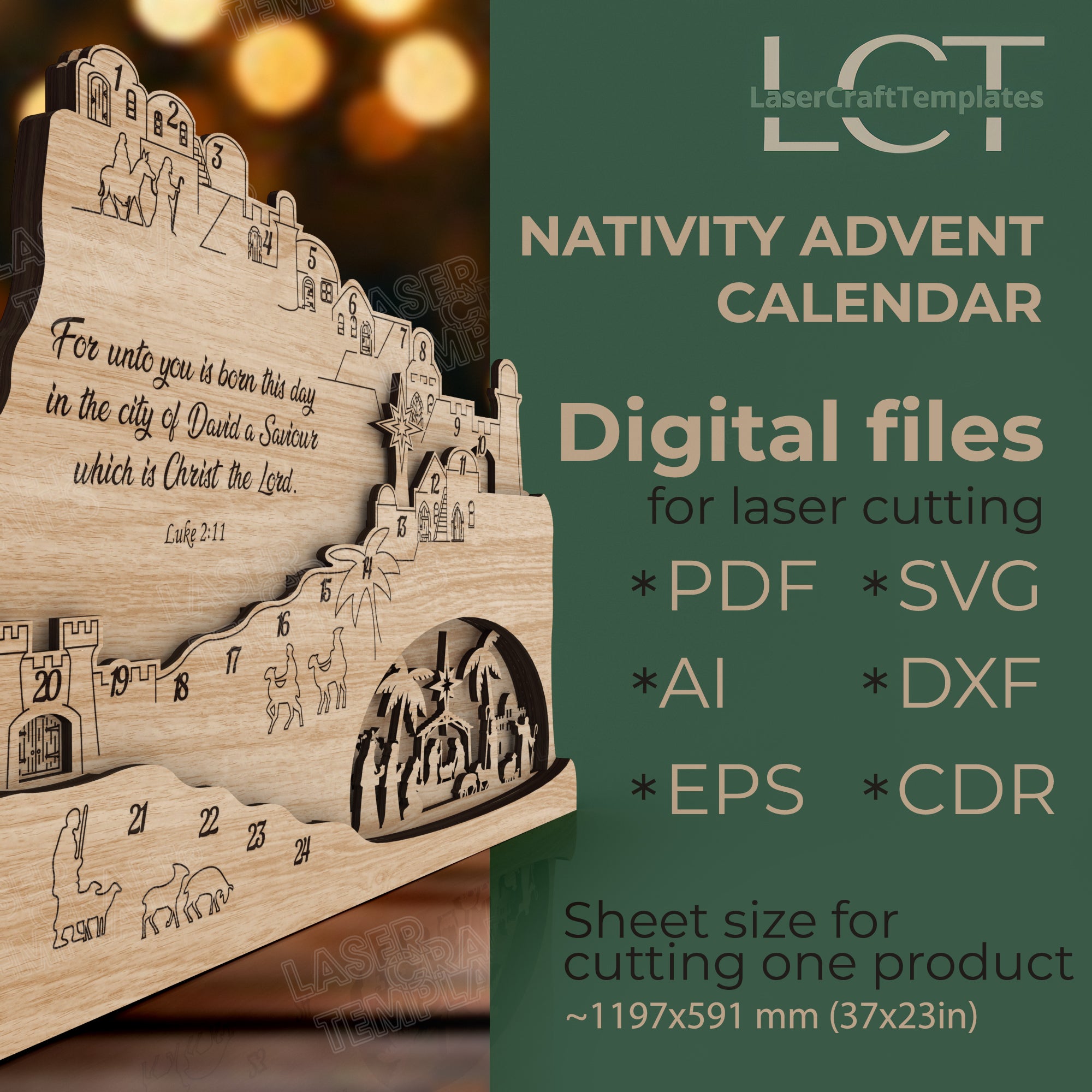
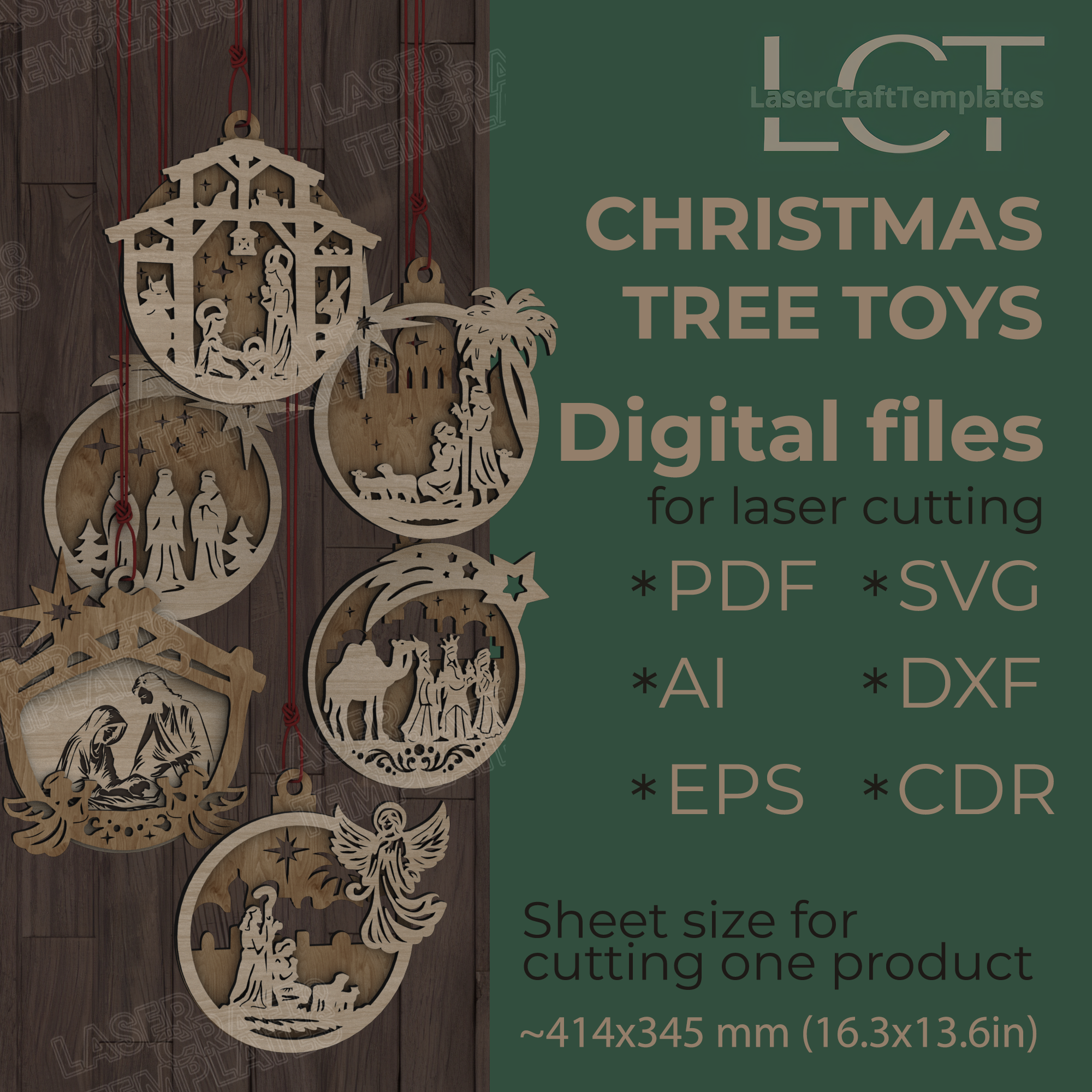
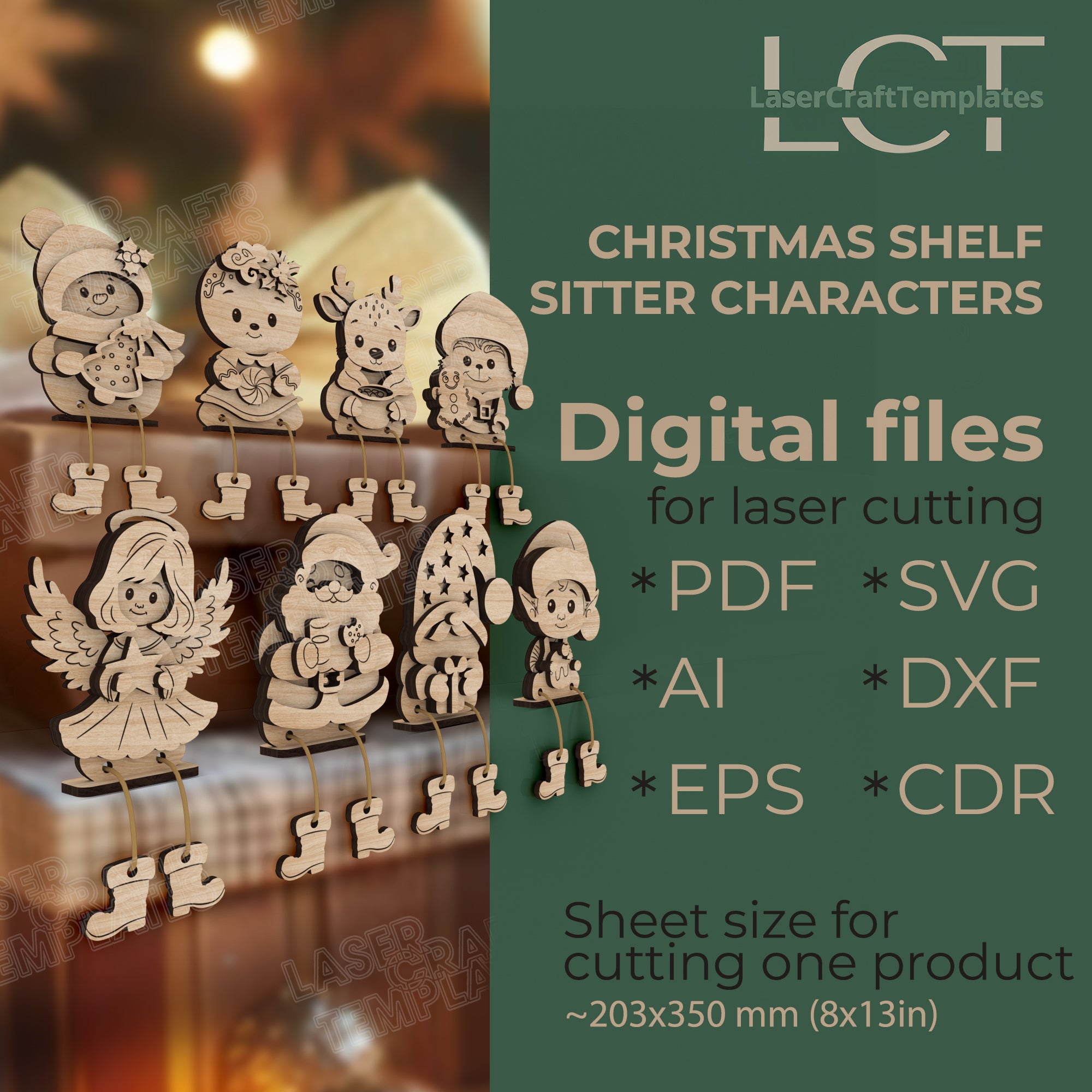
📂 SVG, DXF, AI, PDF, CDR, EPS formats included
🛠 Compatible with CO₂ & diode lasers (Glowforge, xTool, OmTech)
💼 Commercial use allowed (physical products)
Couldn't load pickup availability
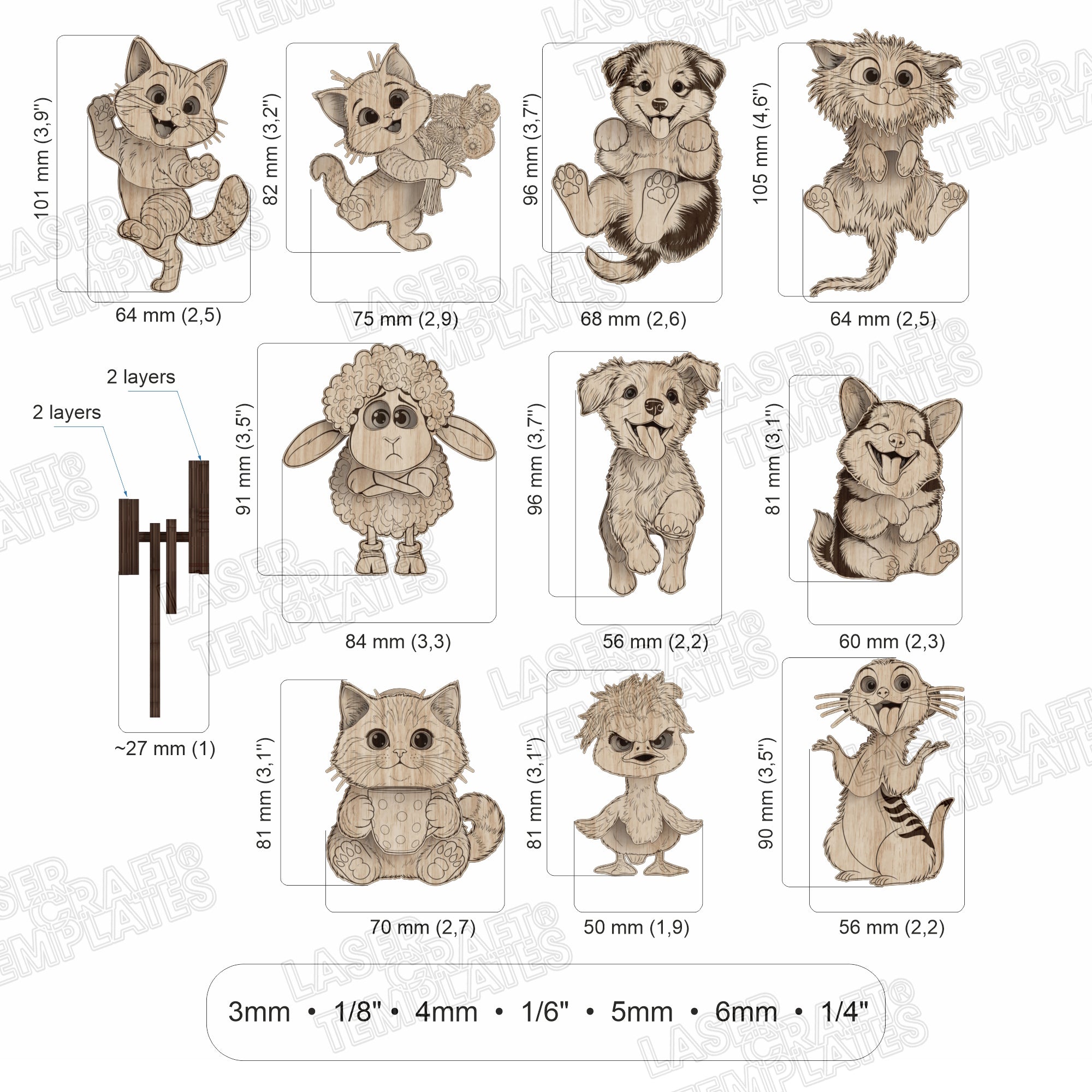
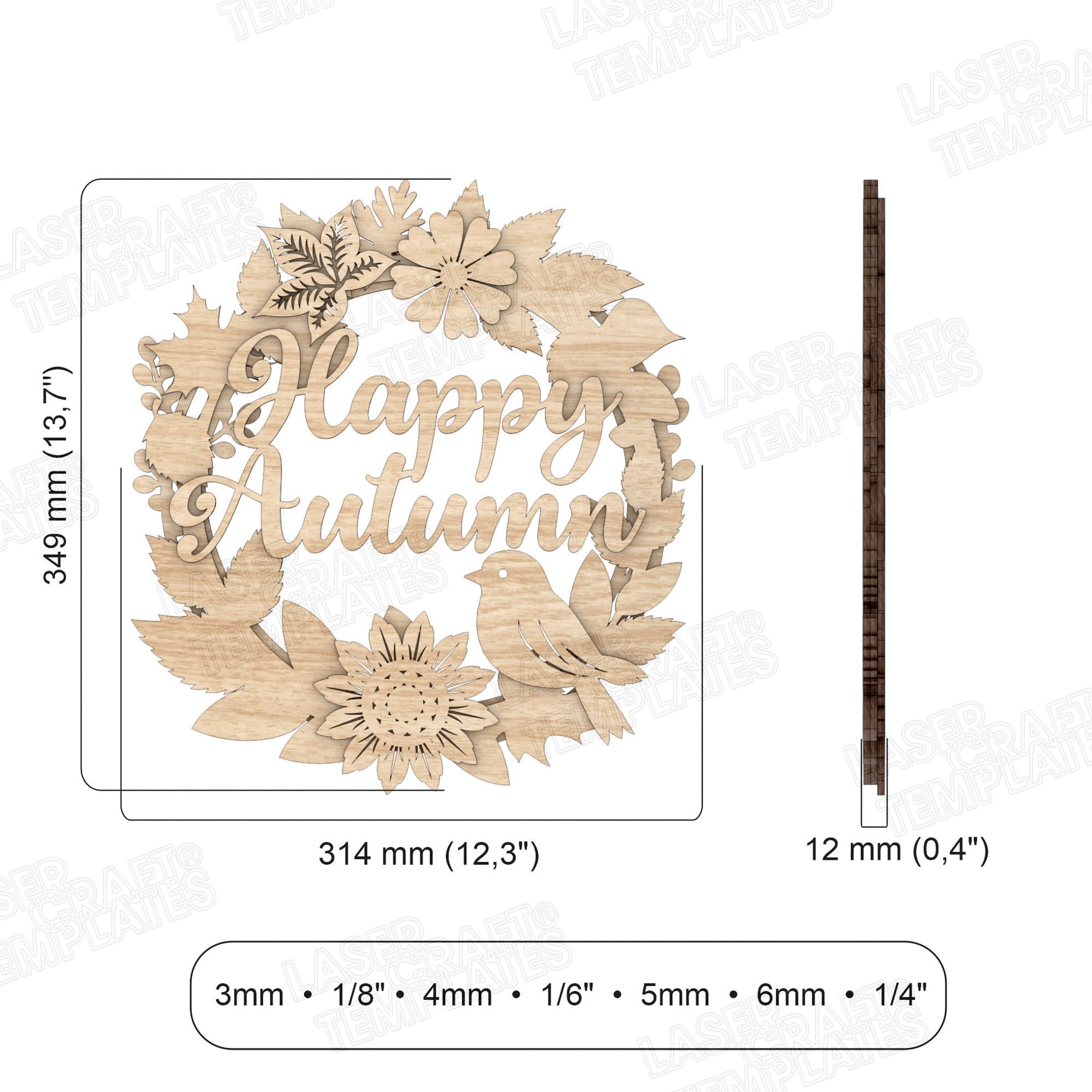
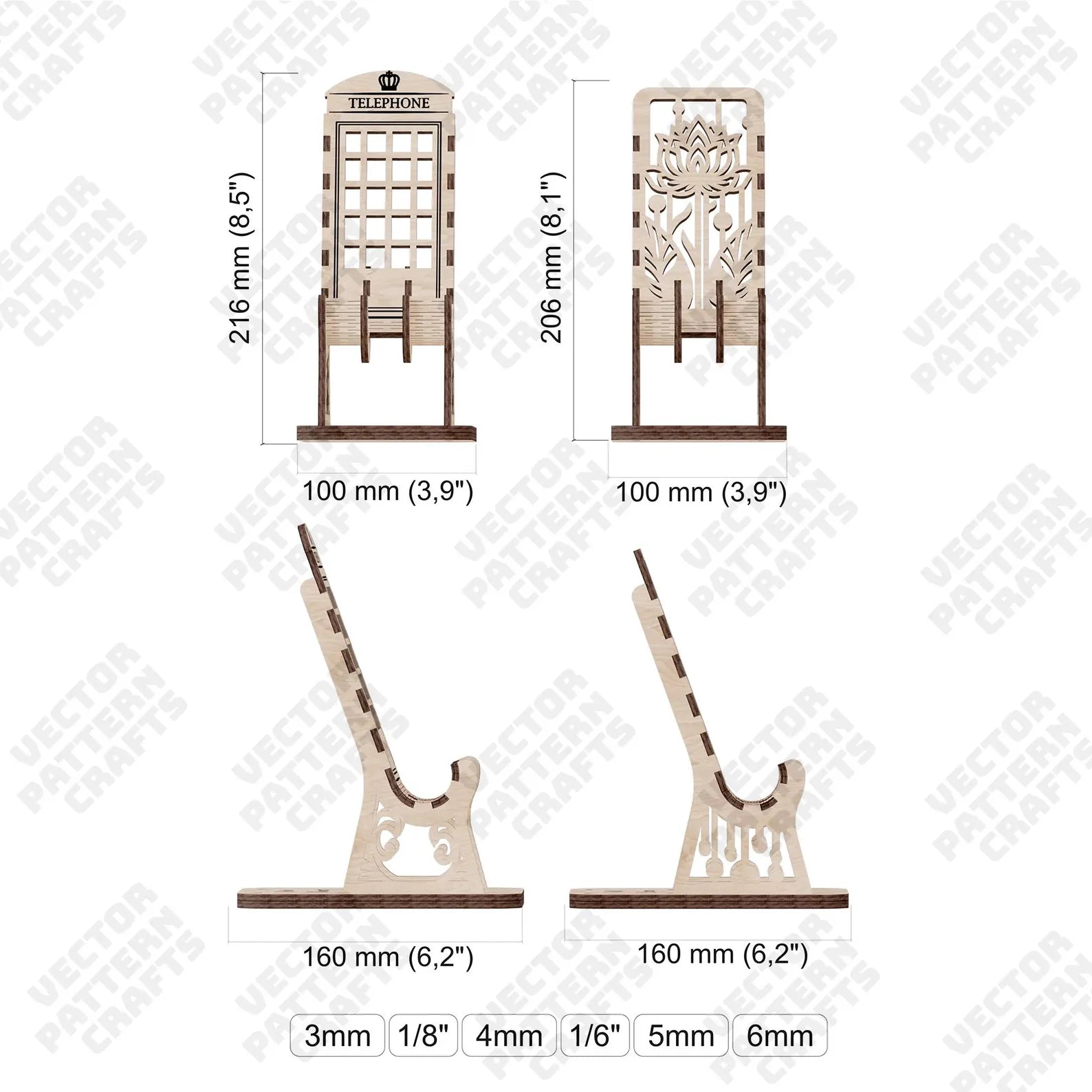
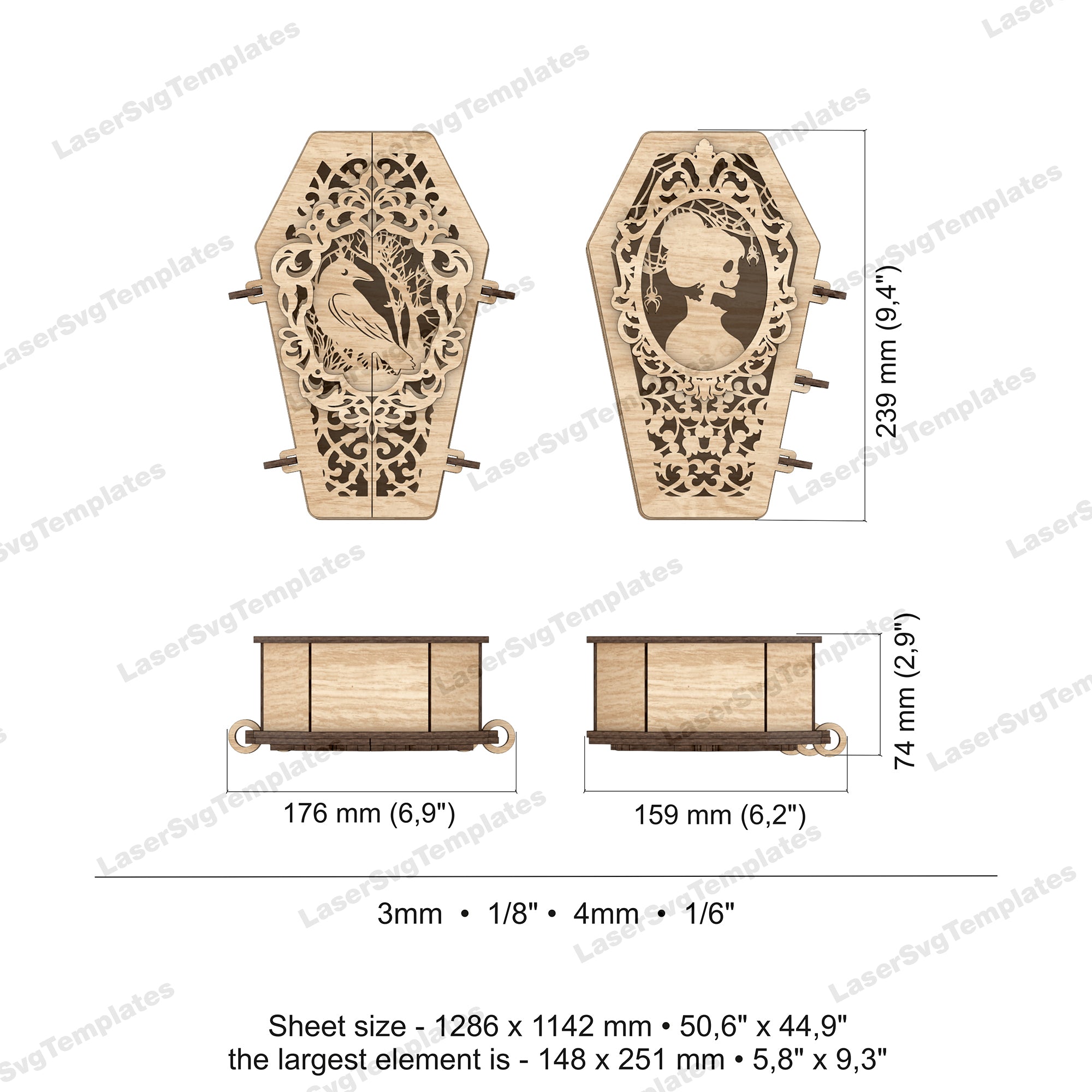
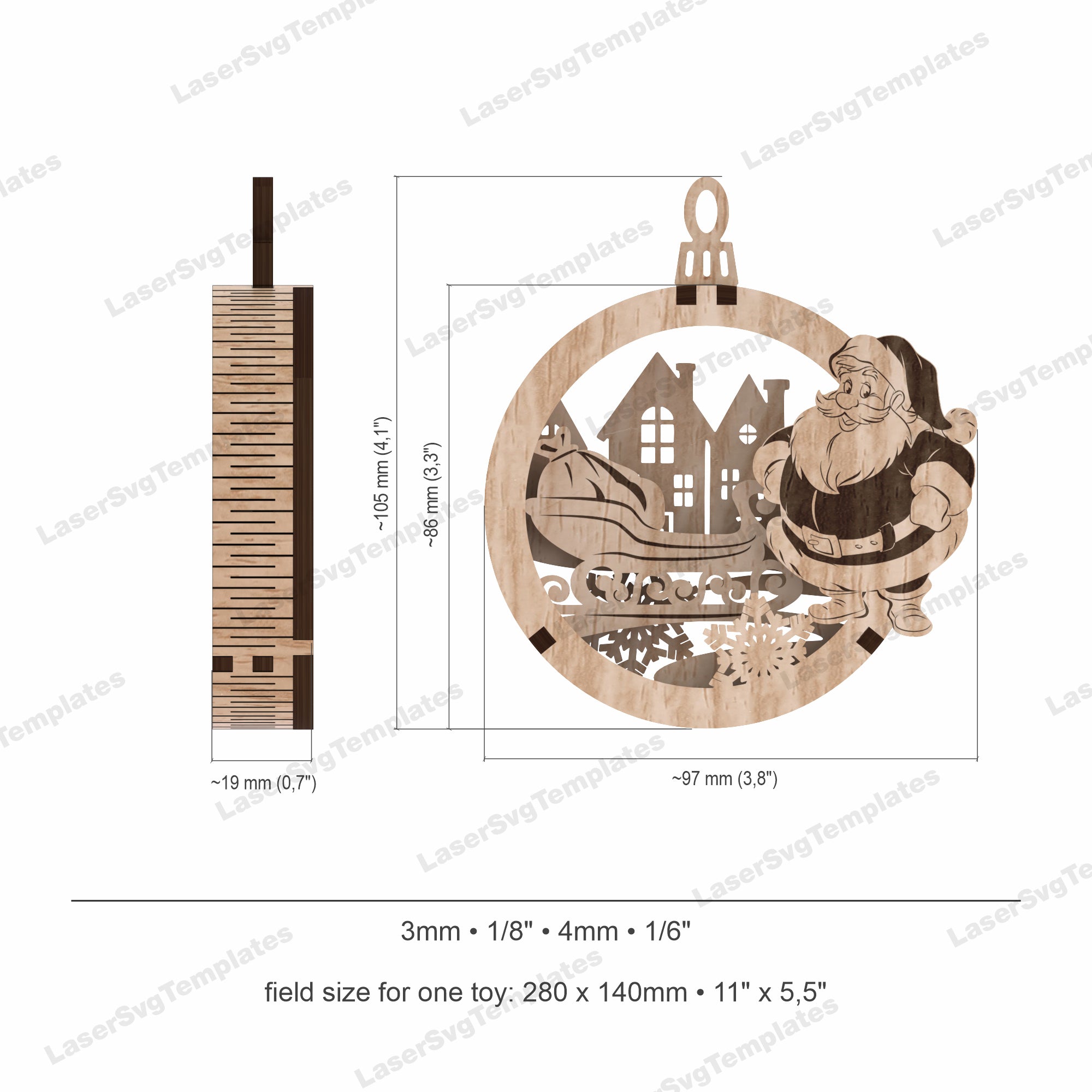
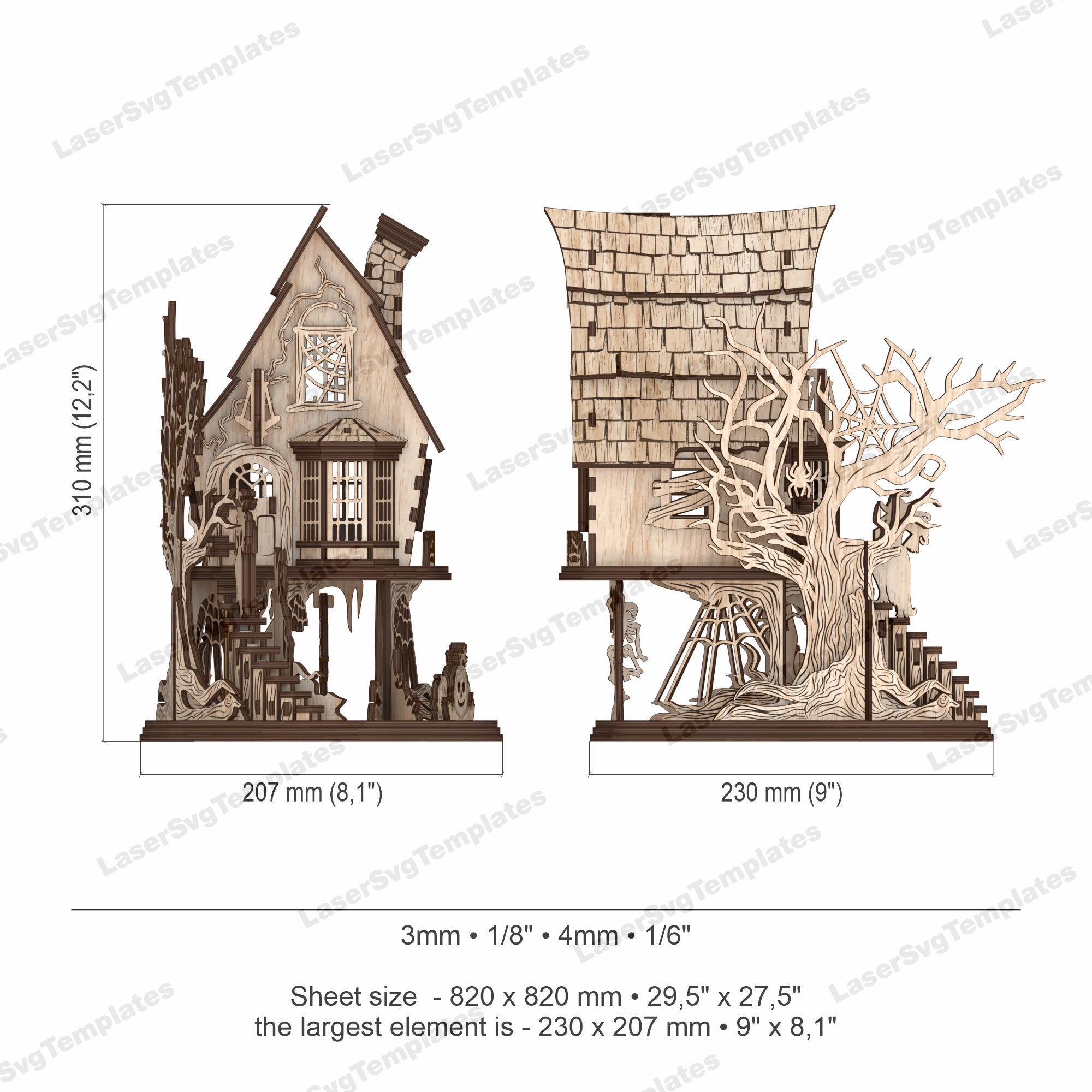
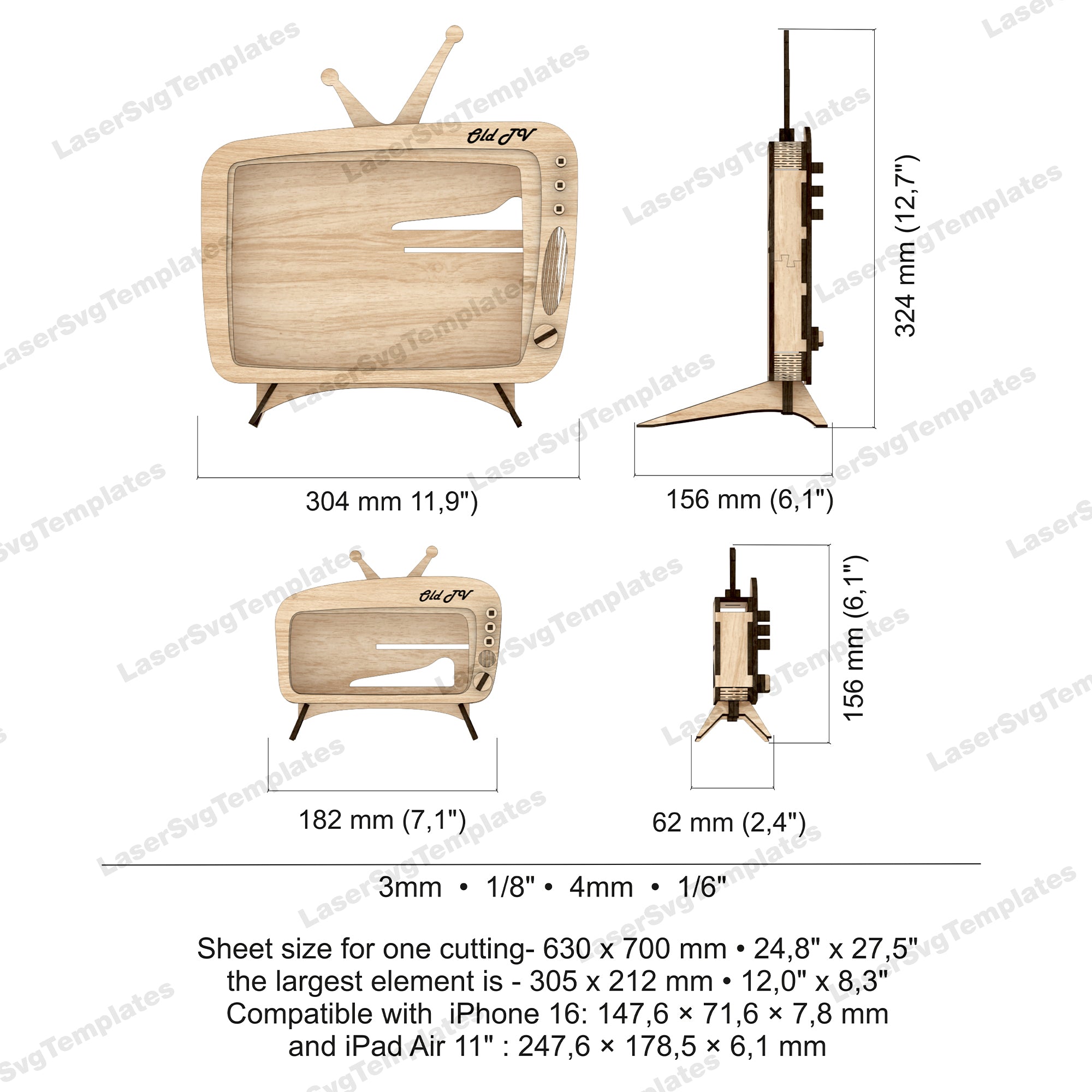
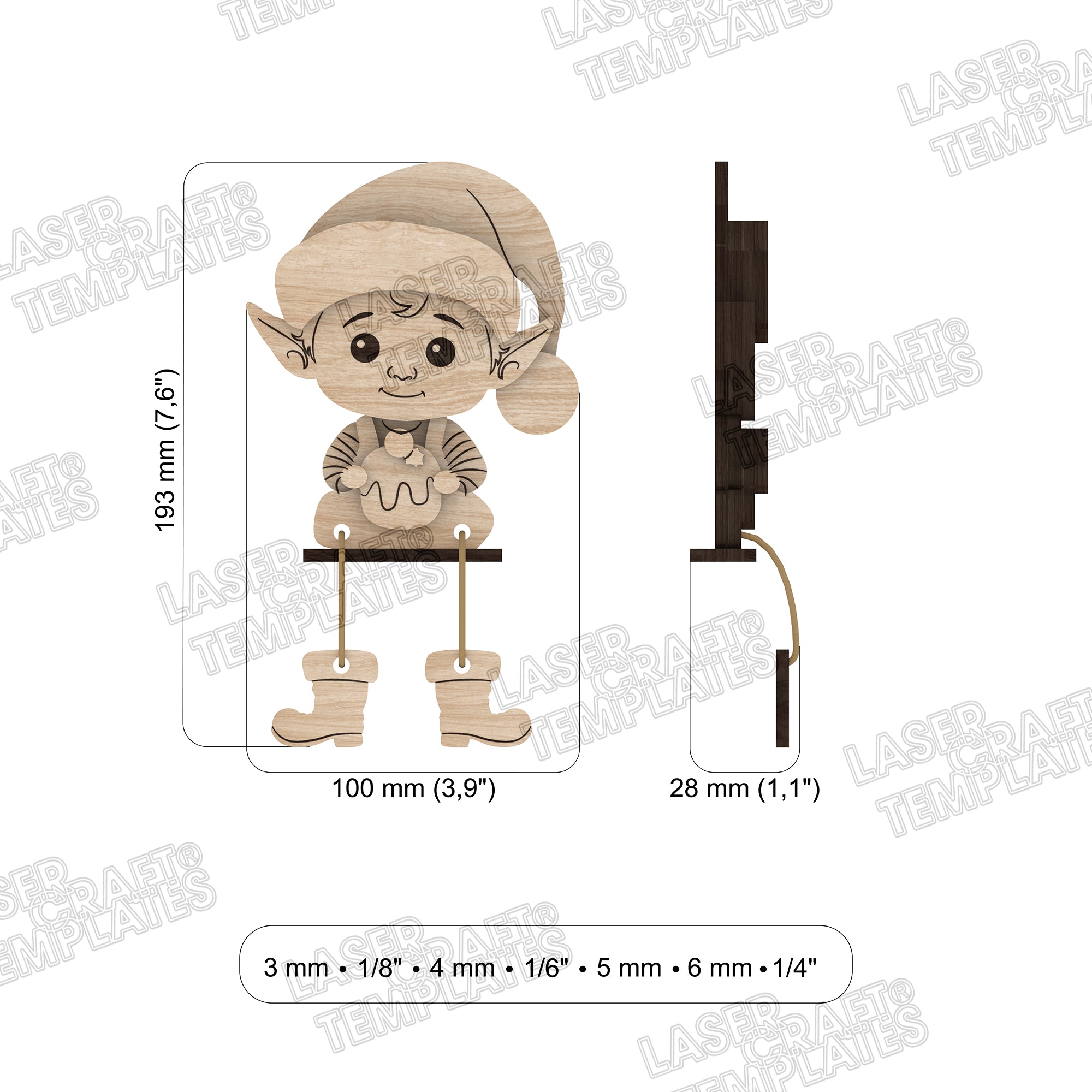
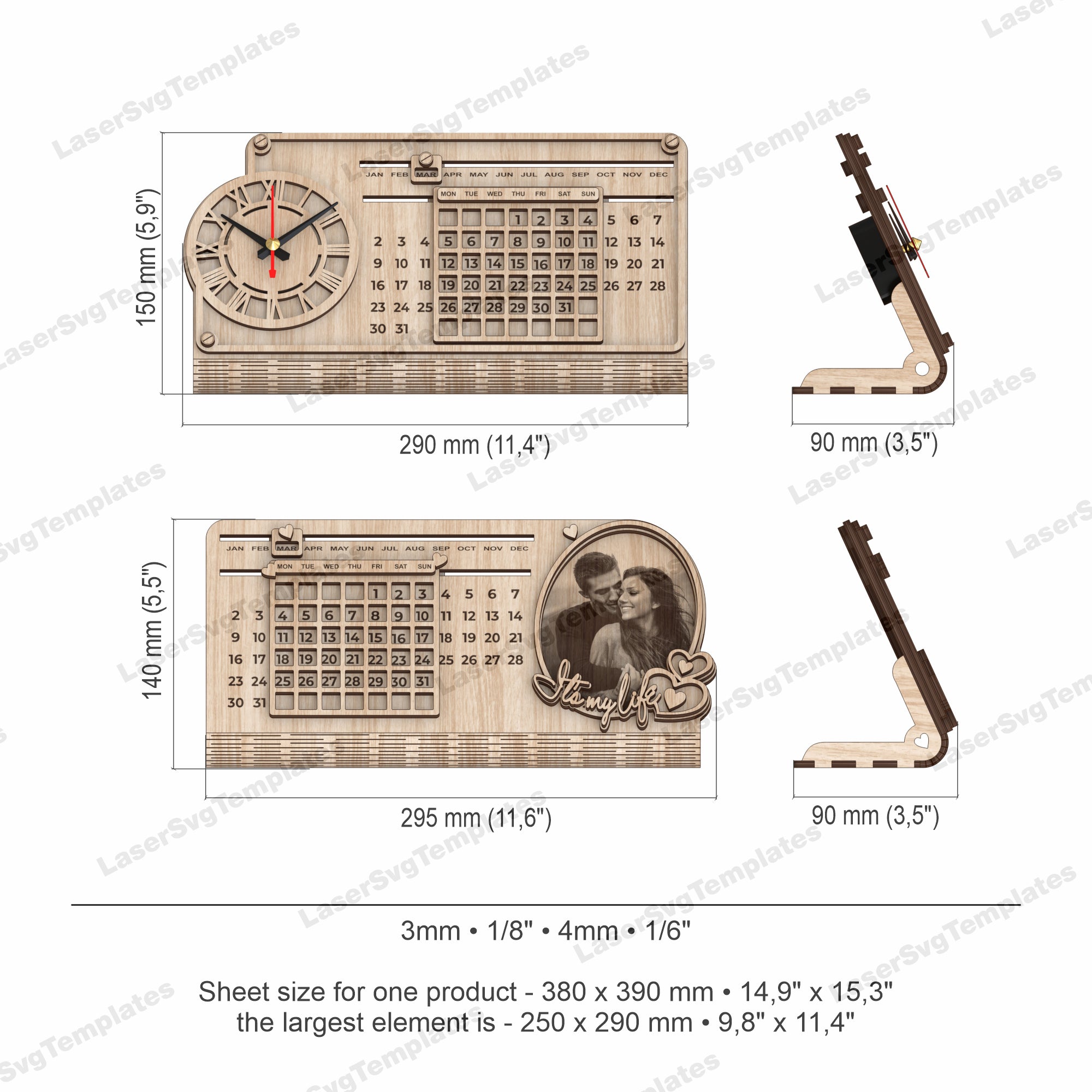
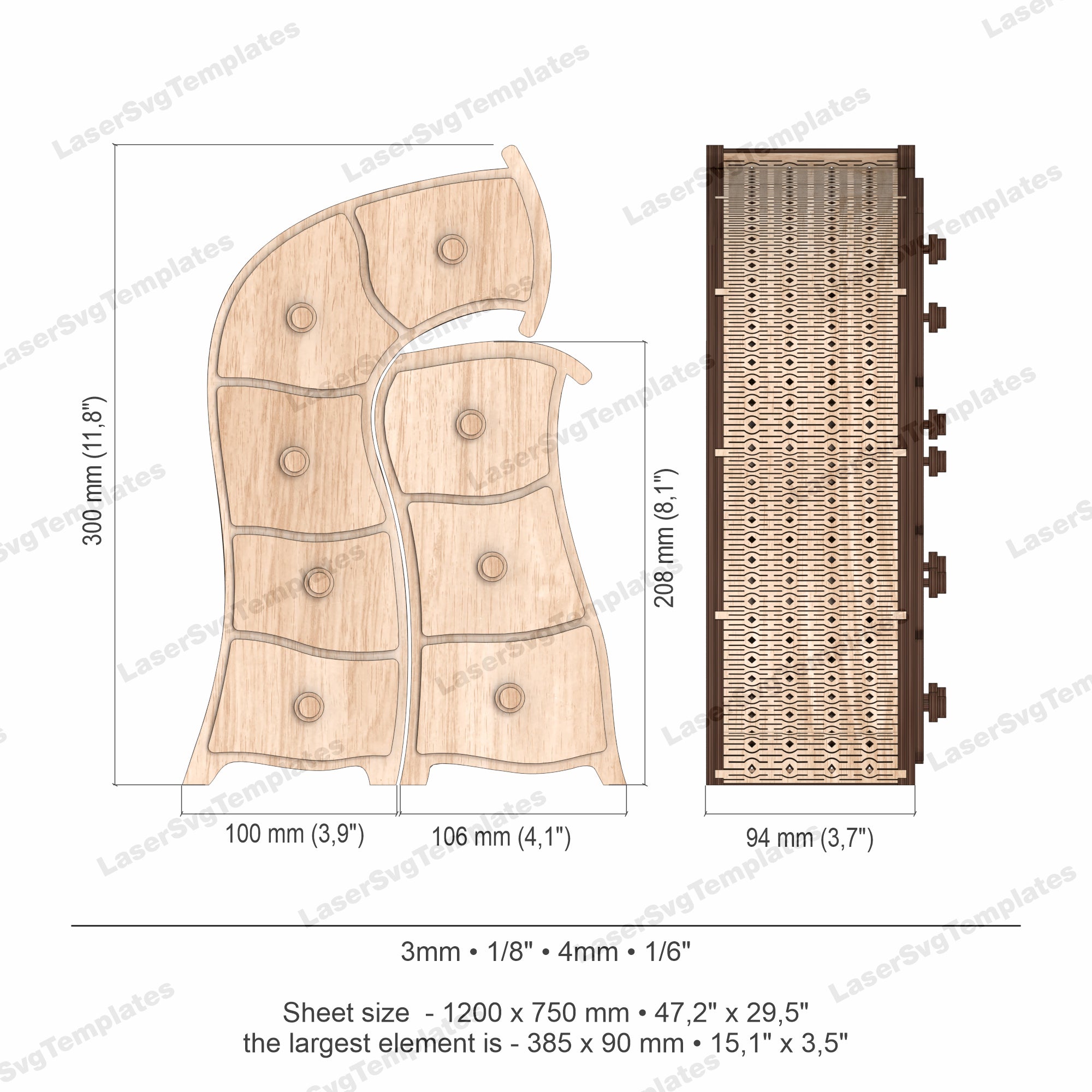
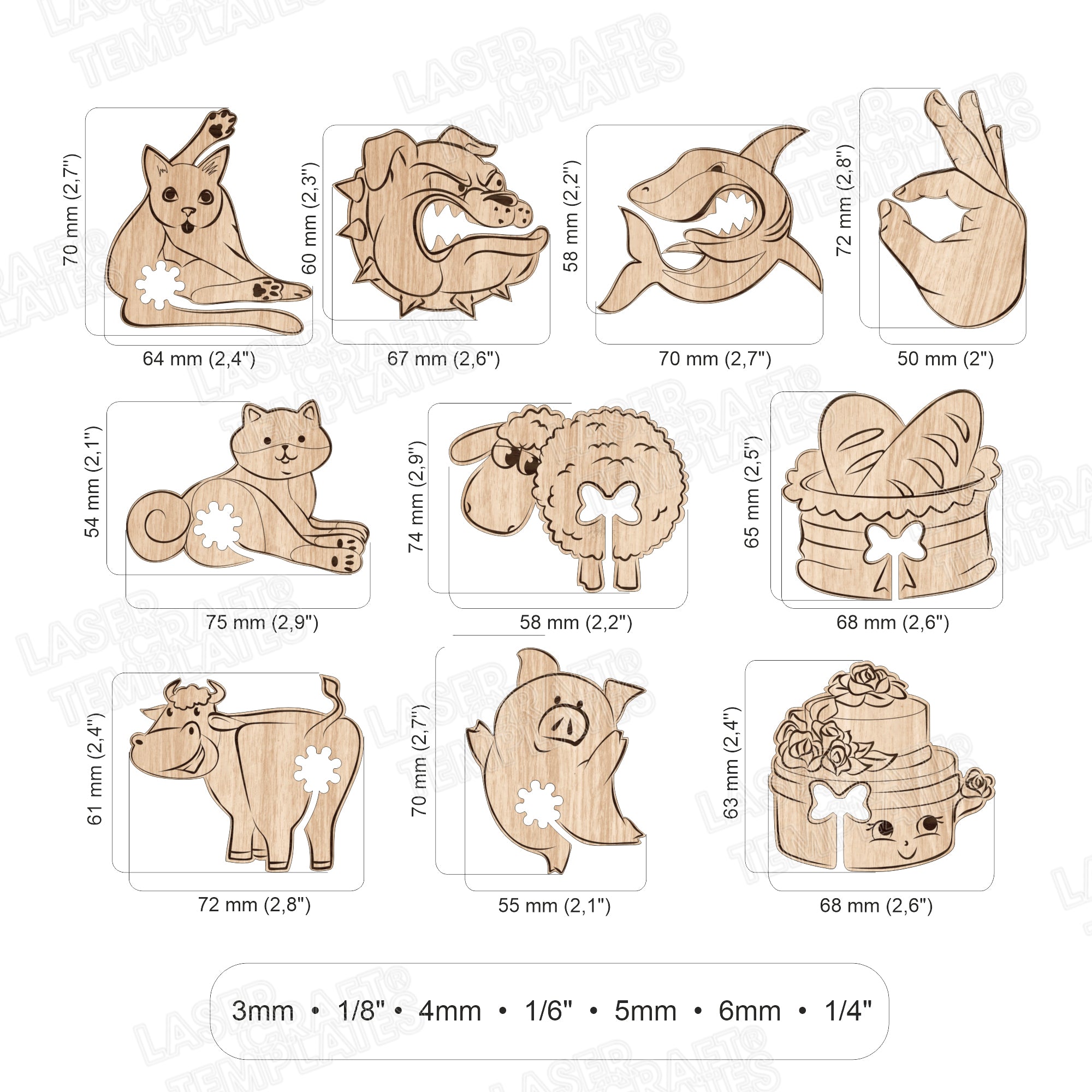
Size and Dimensions
Tested, not generic files
Premium quality guaranteed
Clean vectors – ready to cut
Instant digital download
Optimized for real thickness
Friendly support anytime
On the market since 2022
Trusted by thousands of makers
Add-on products for makers
$3.90
$9.00Save 57%
Unit price
/
Unavailable
Creators Reviews







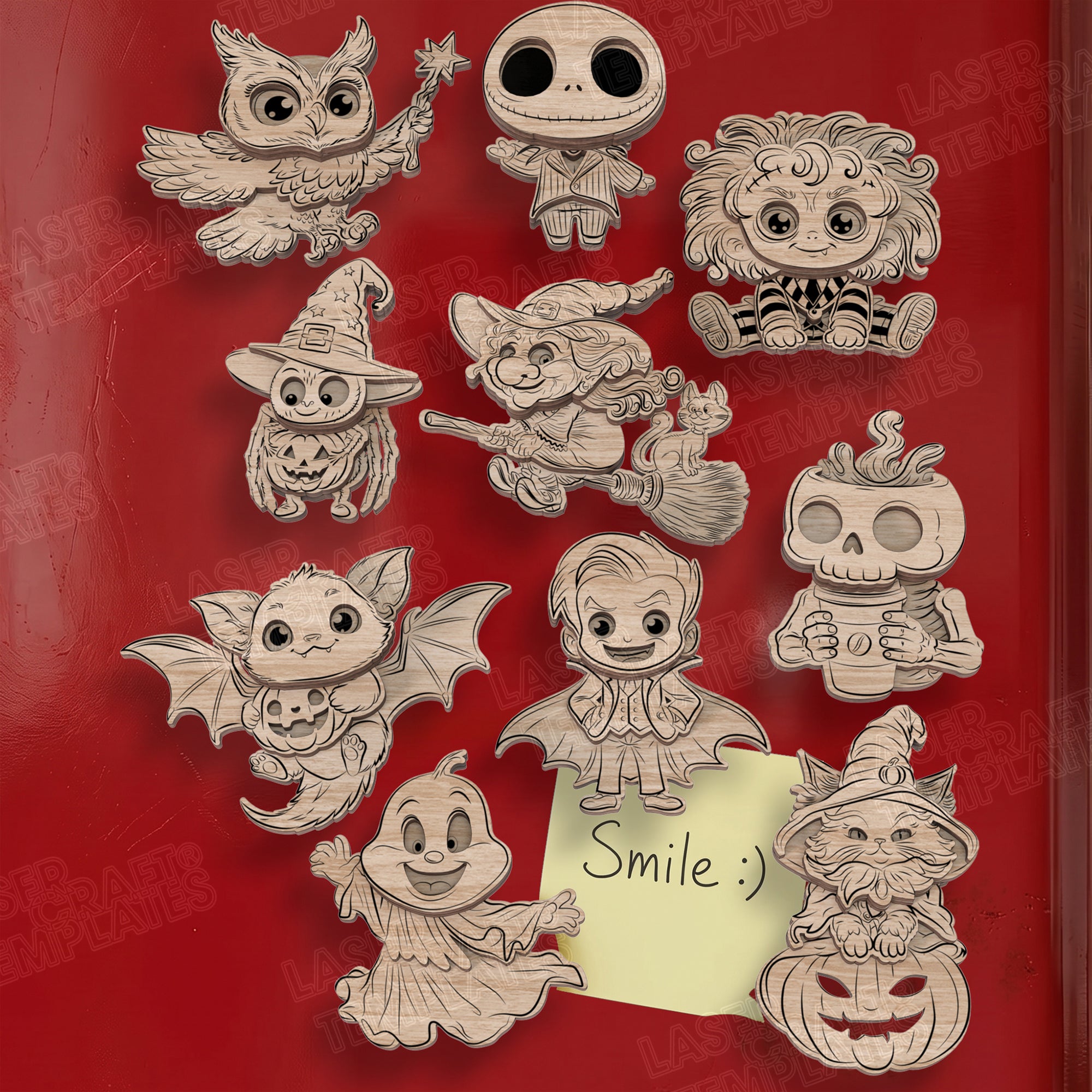
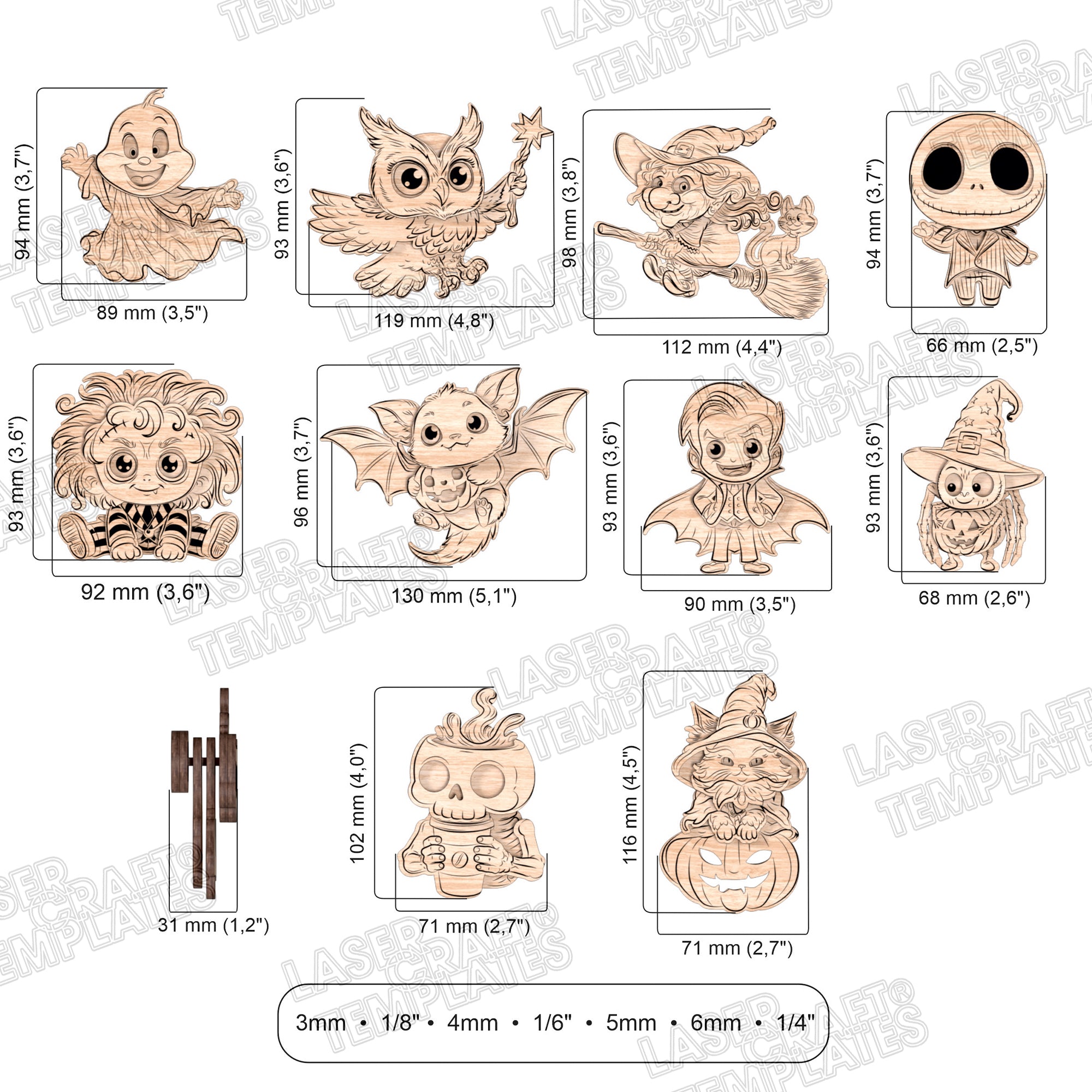
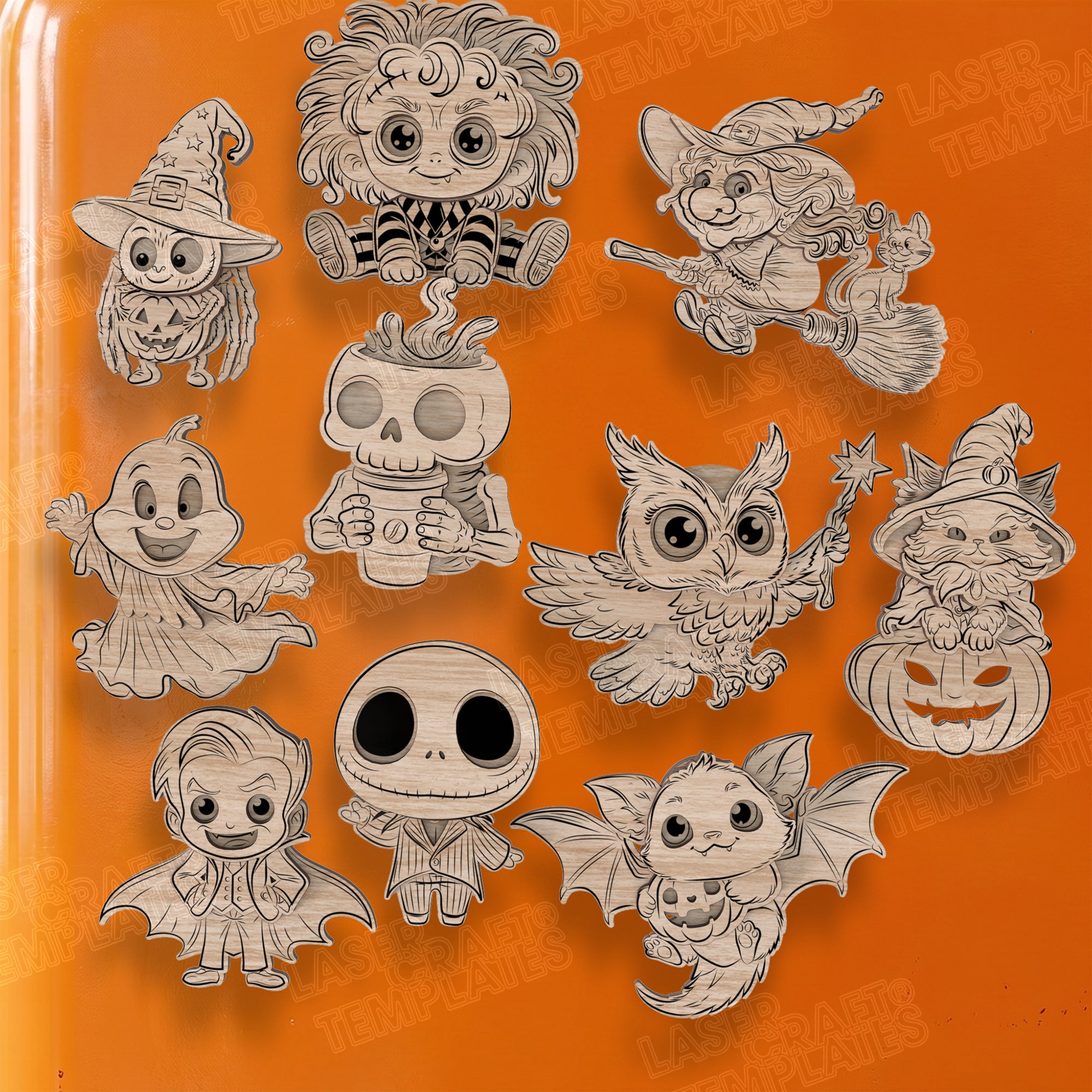
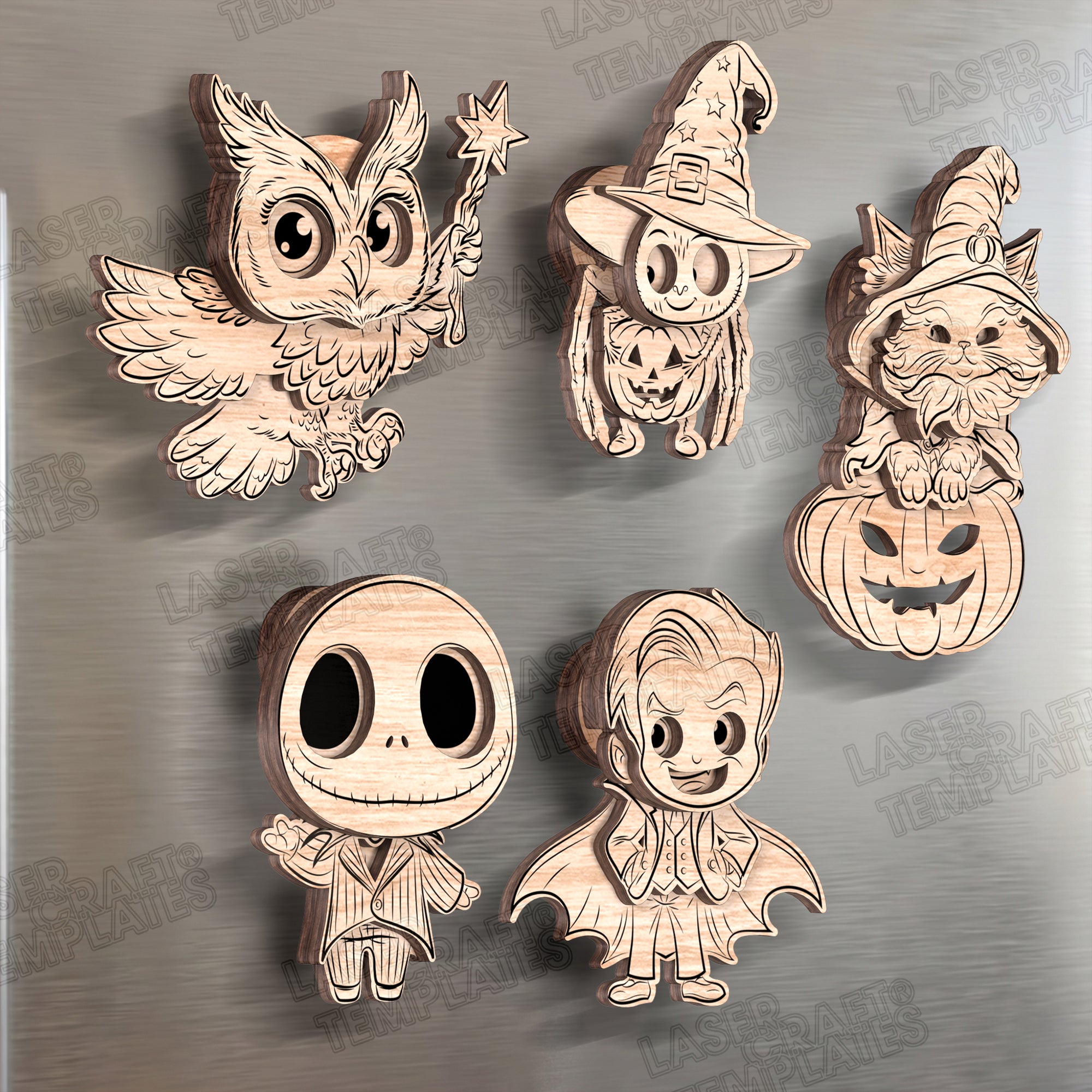






















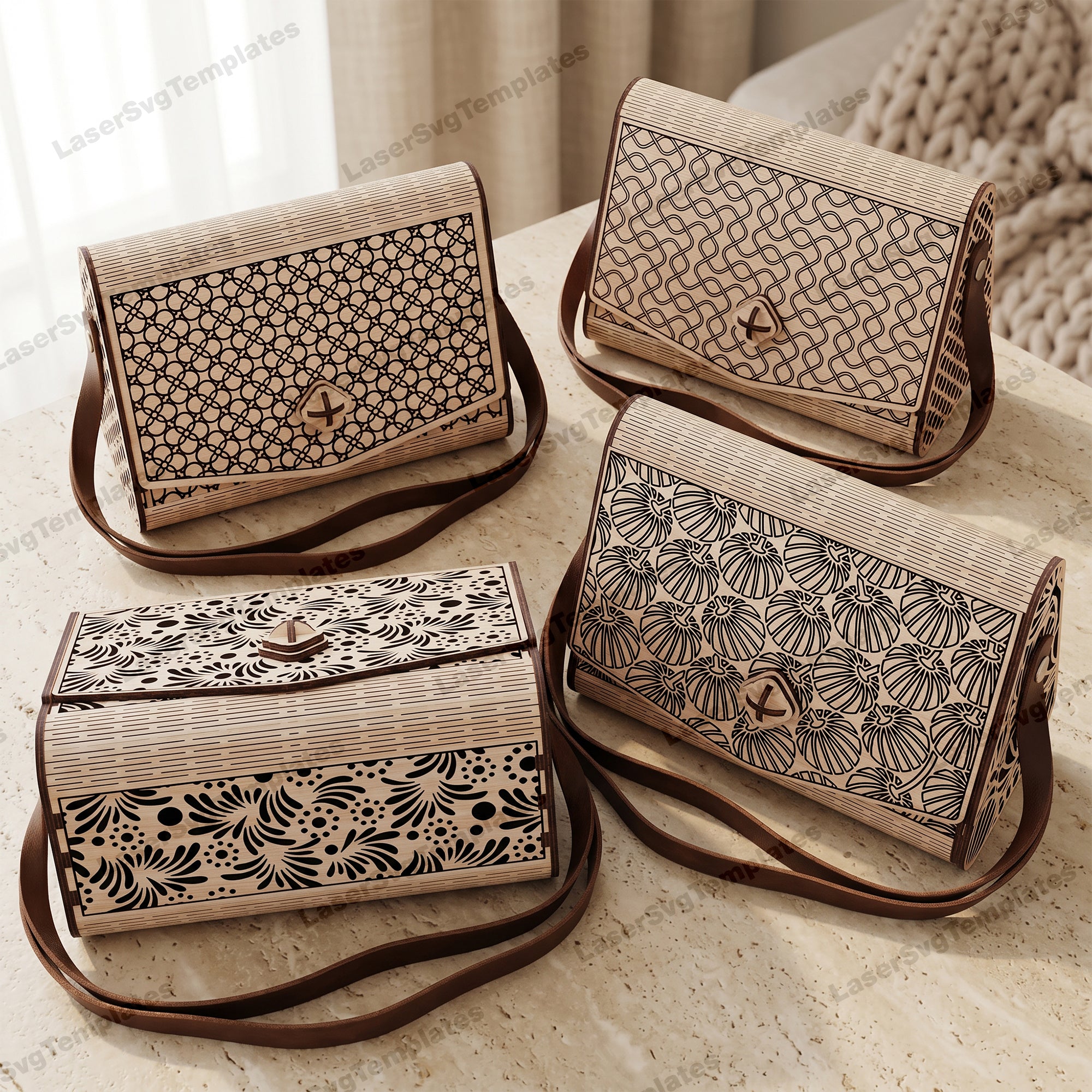
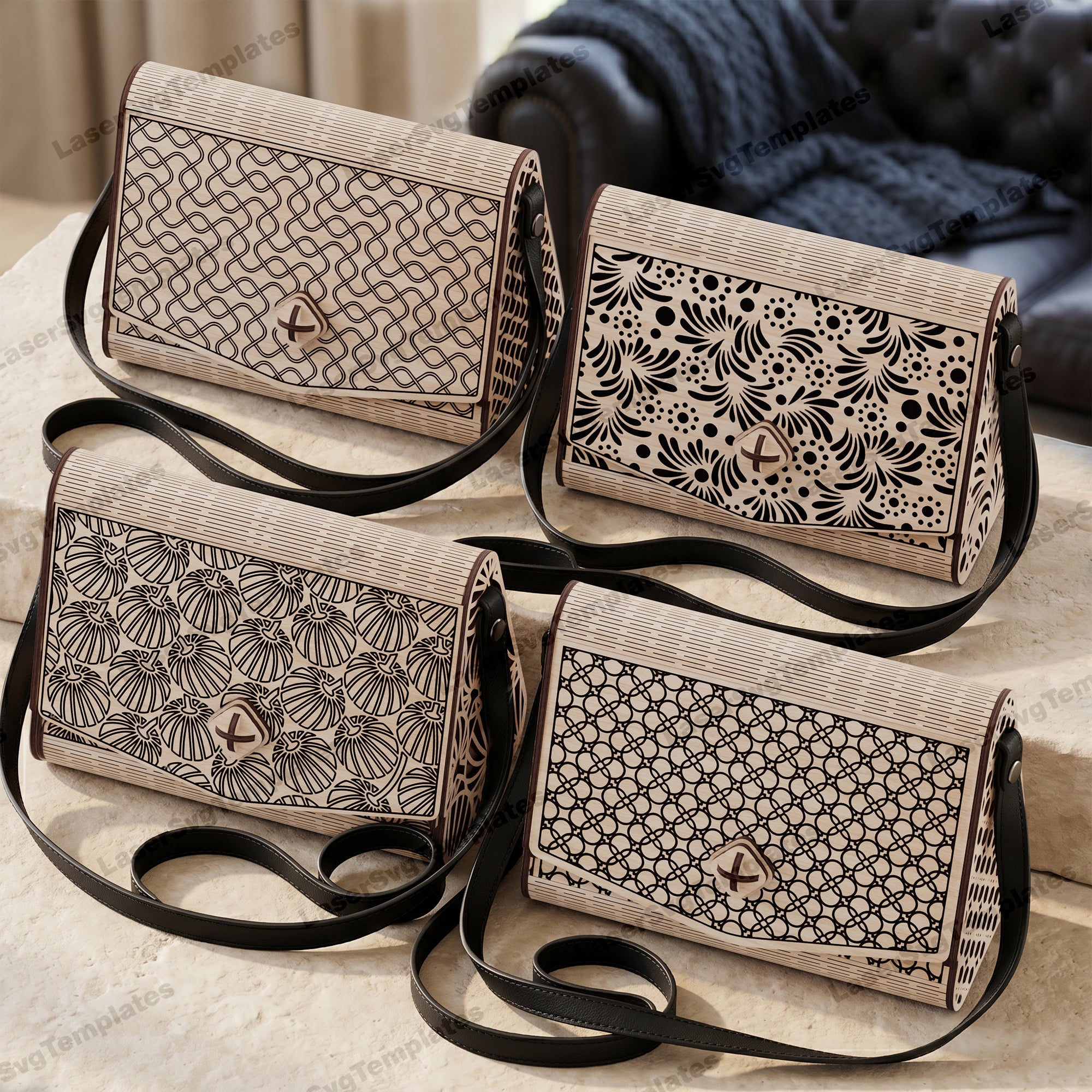
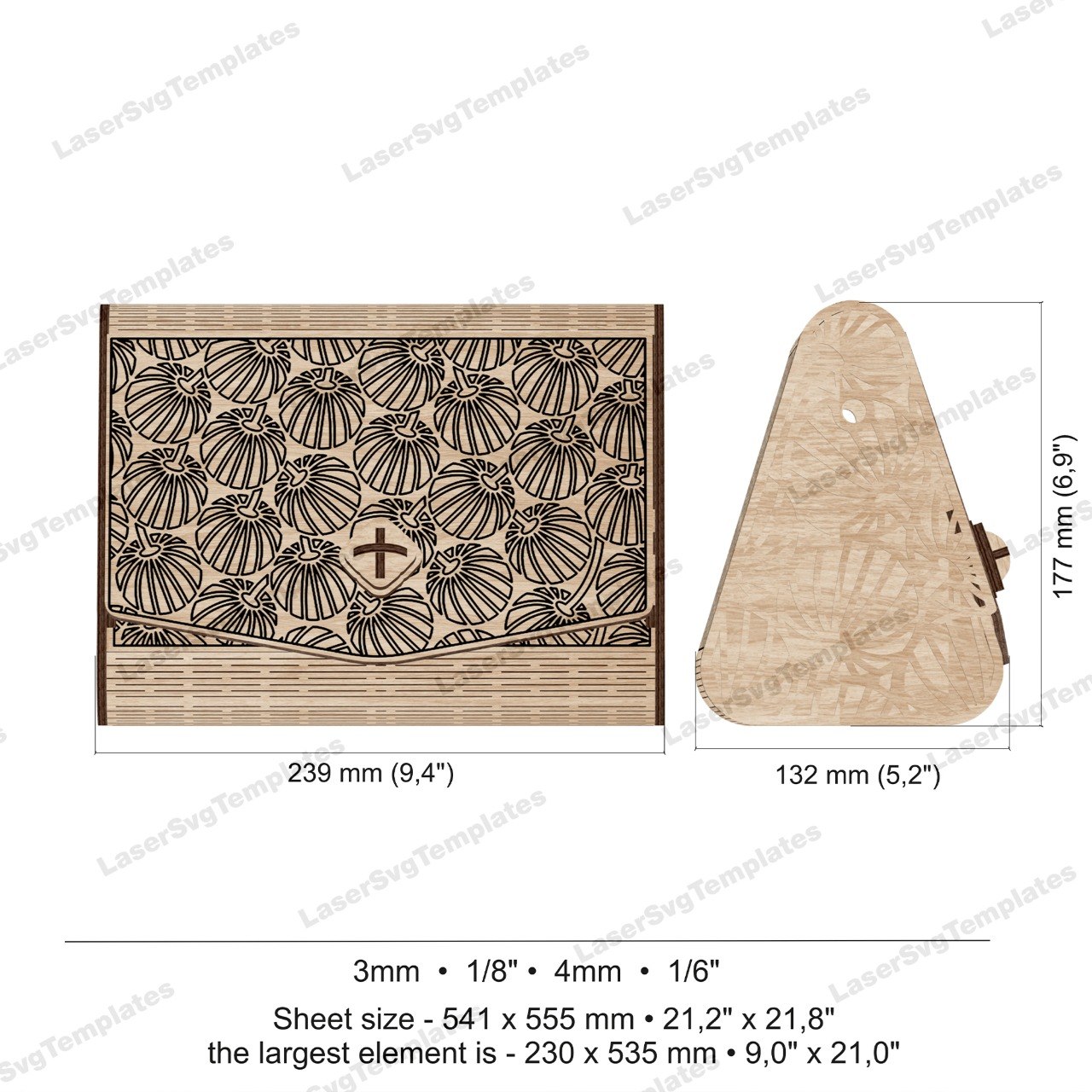
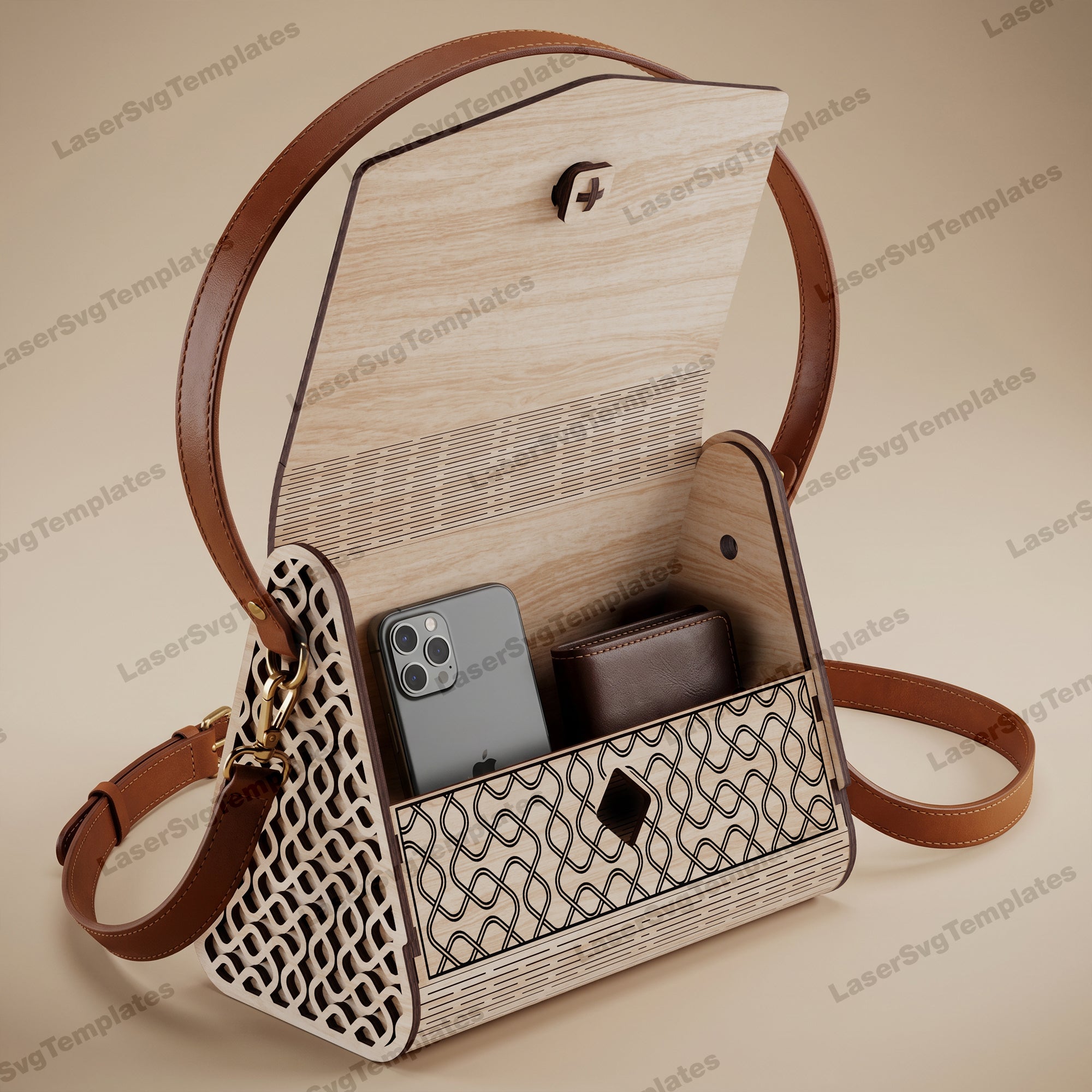
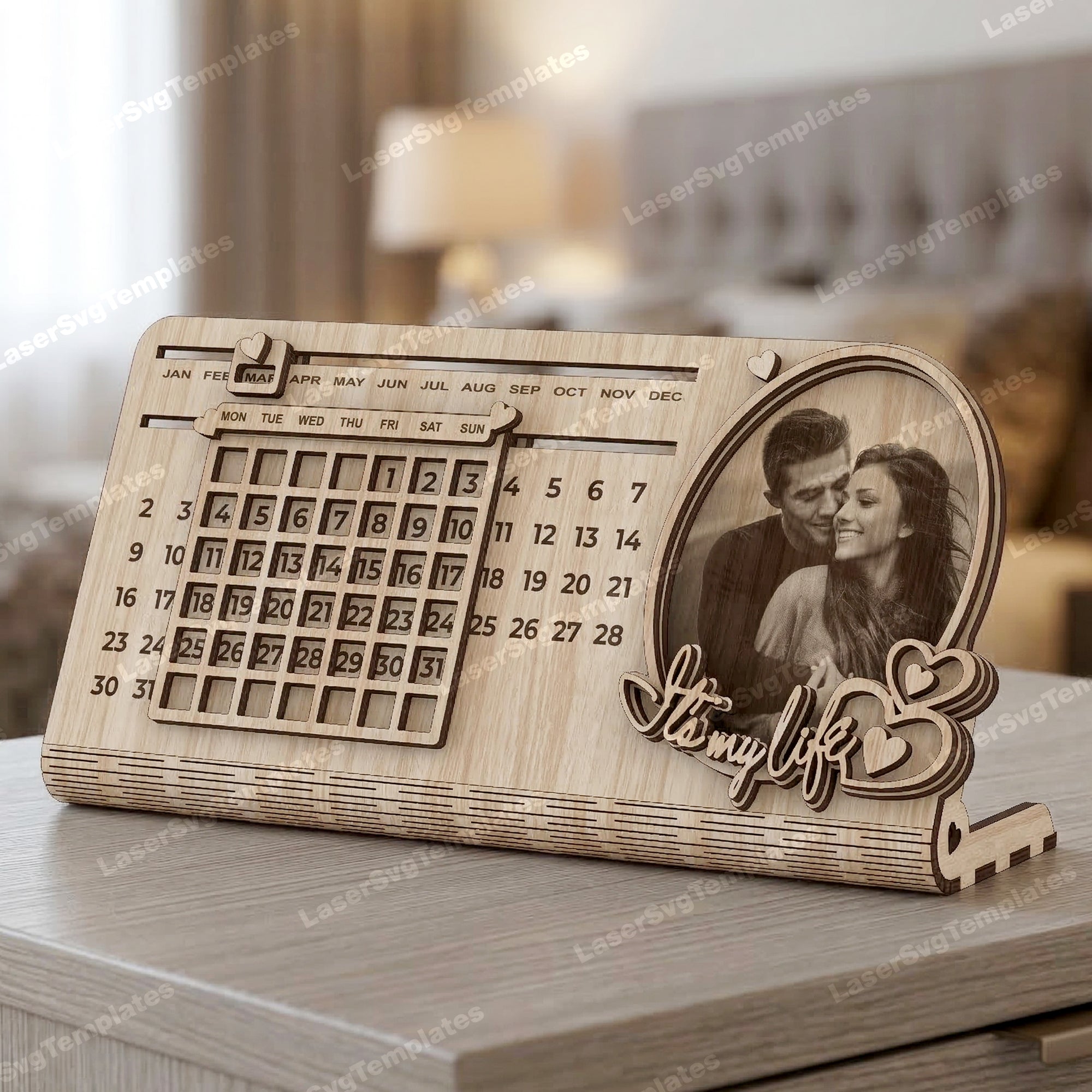
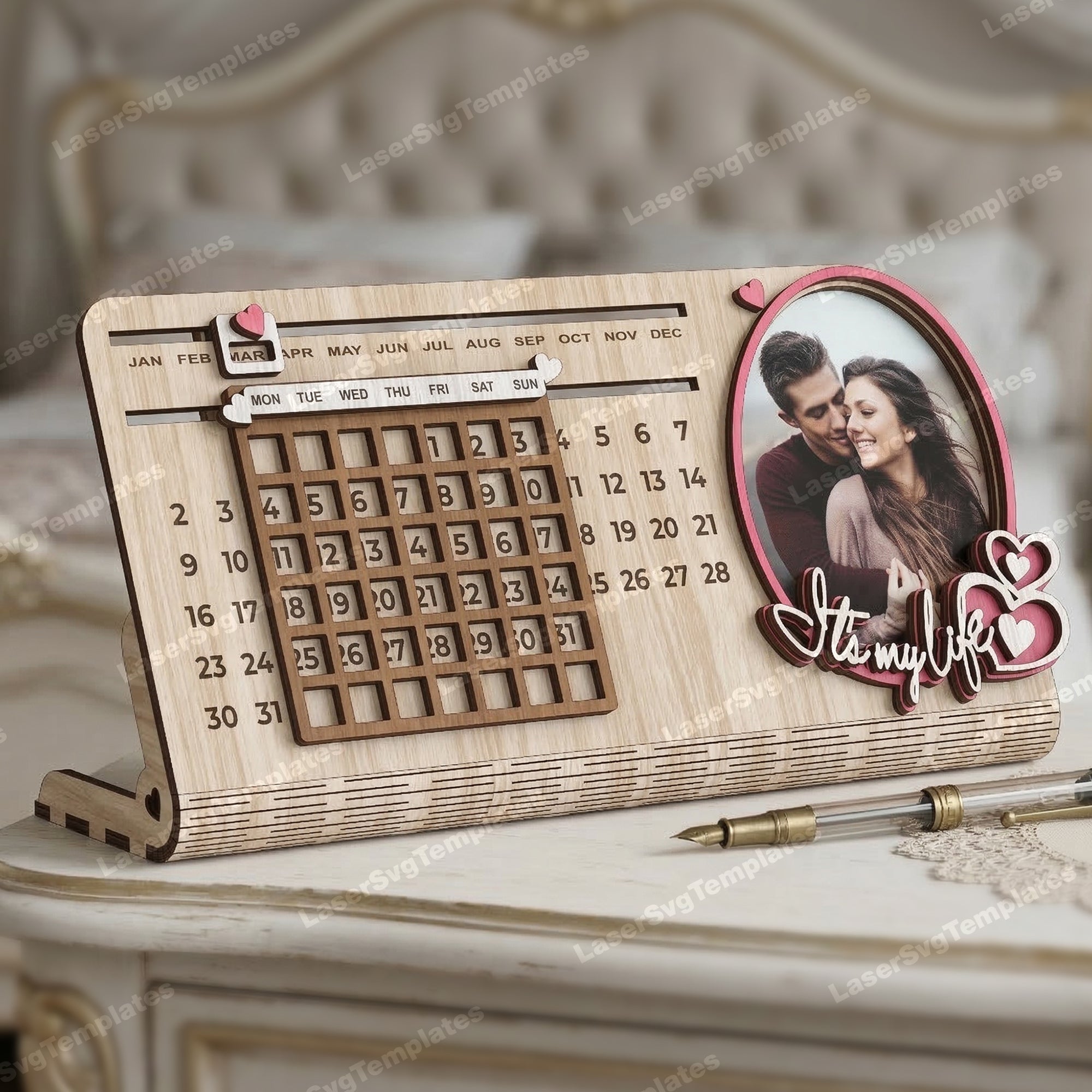
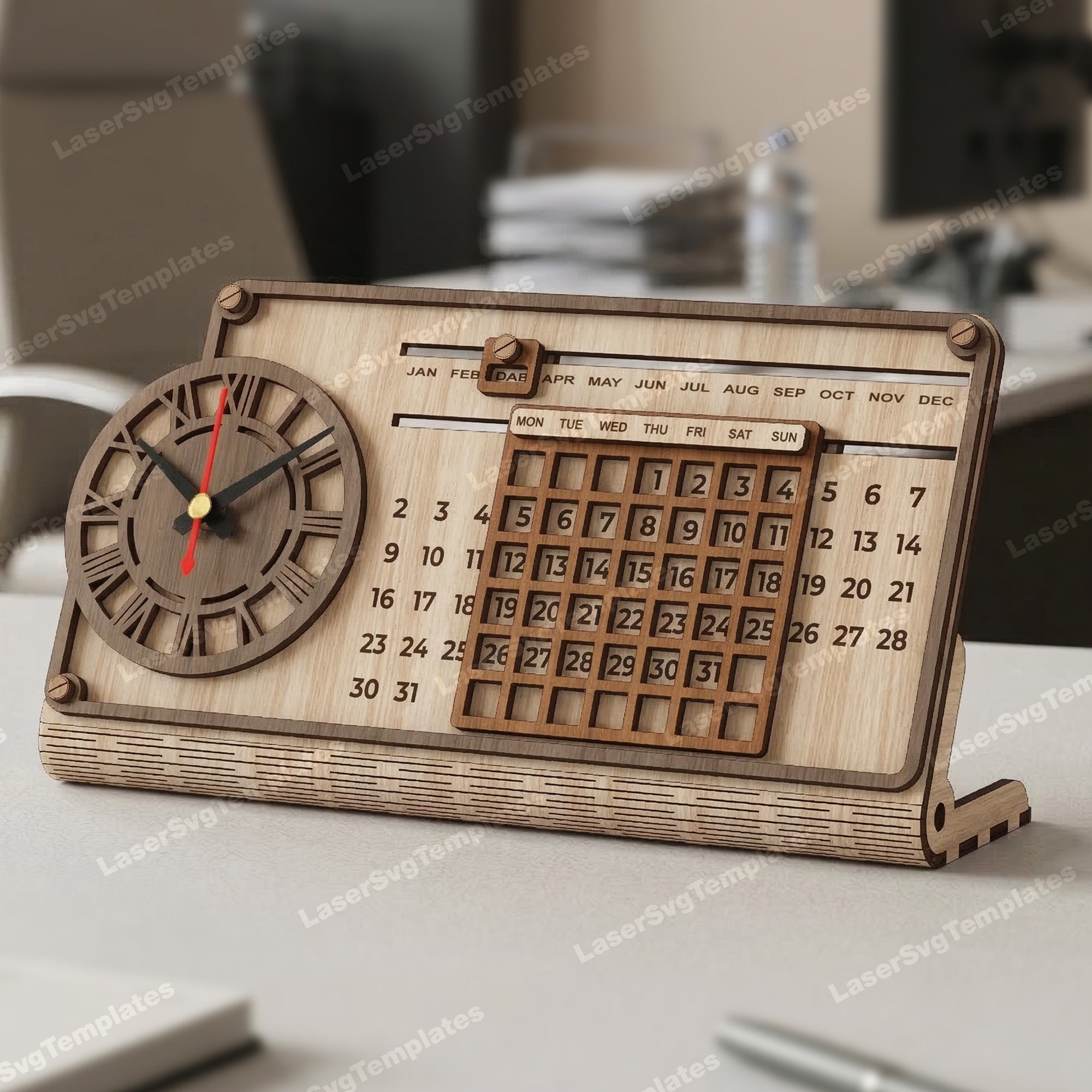
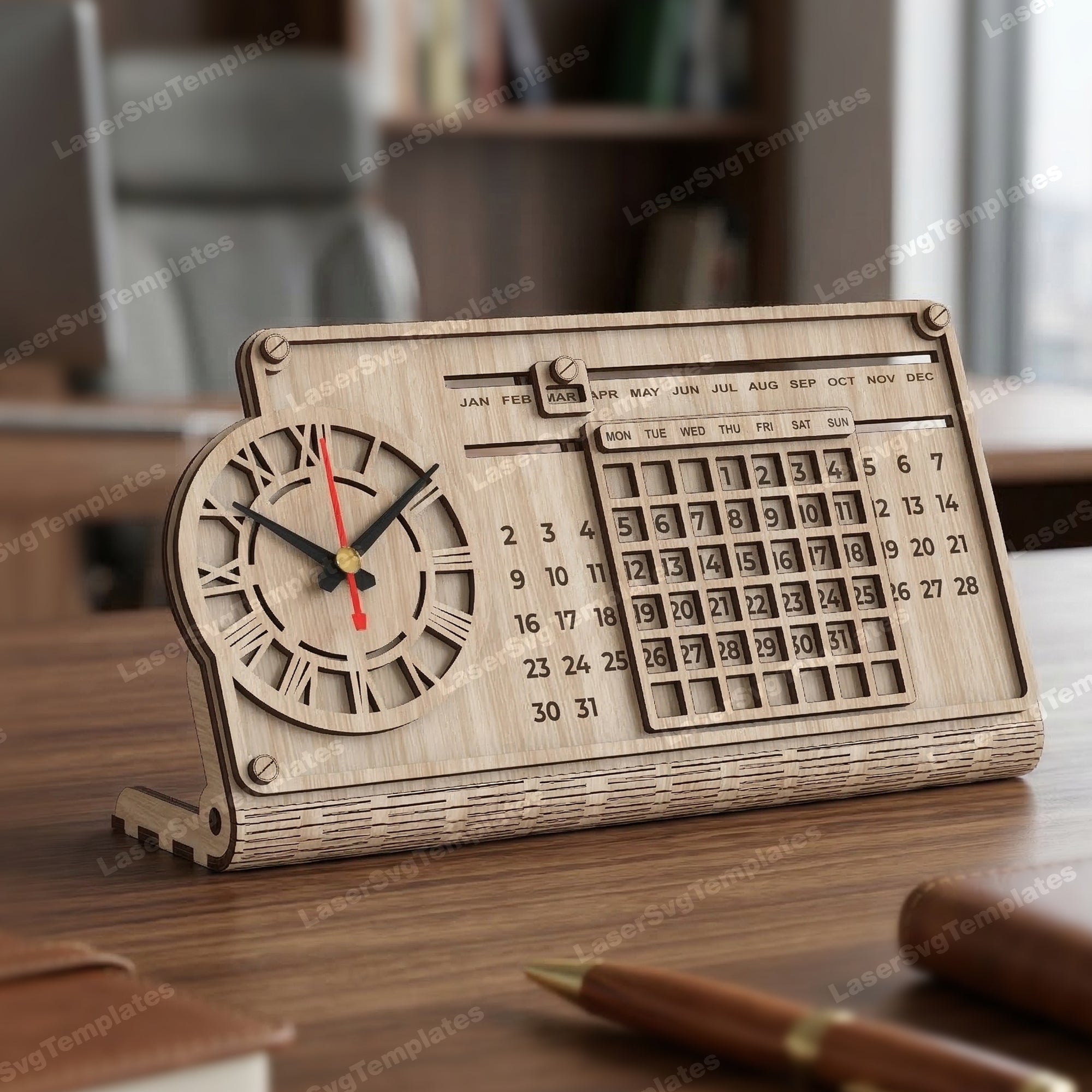
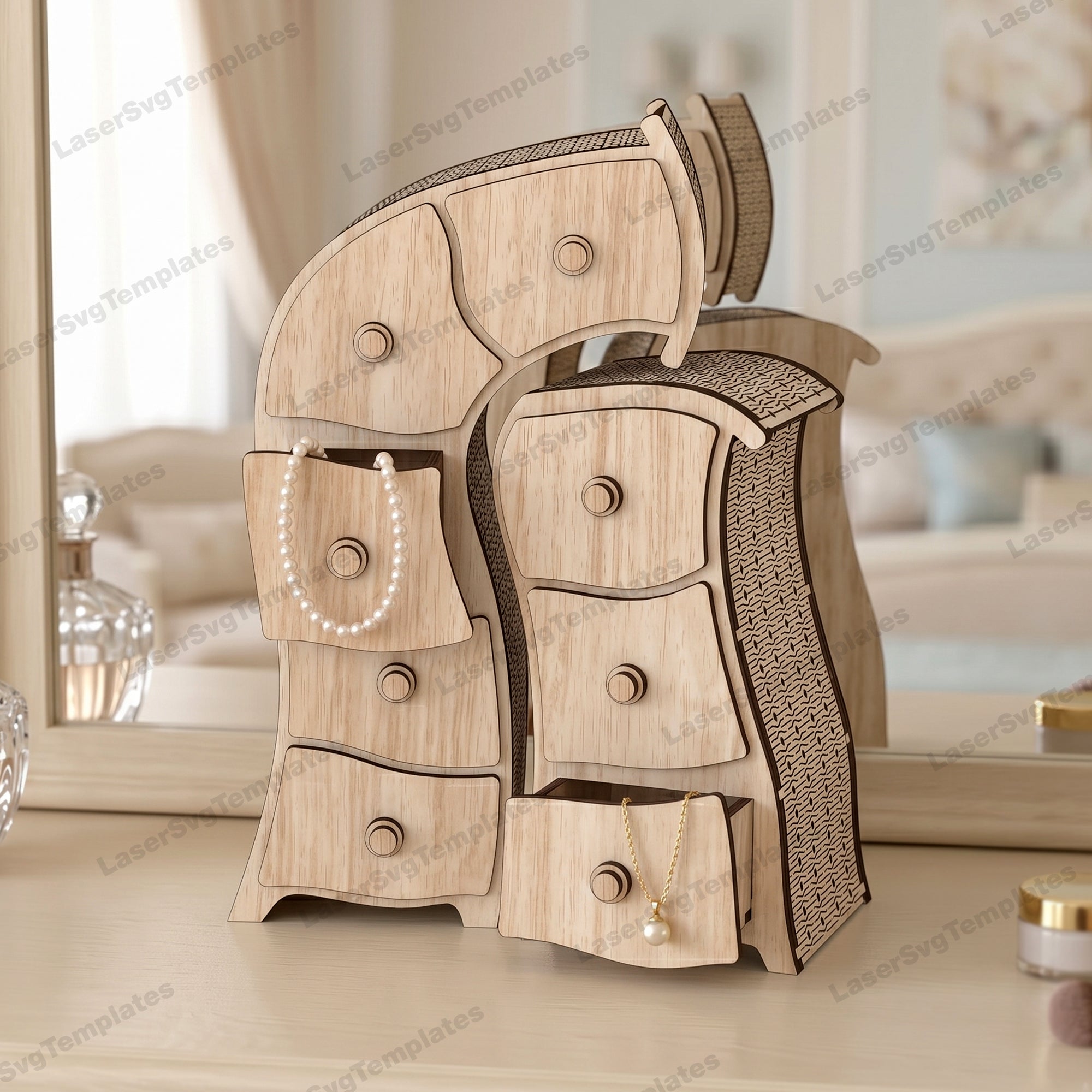
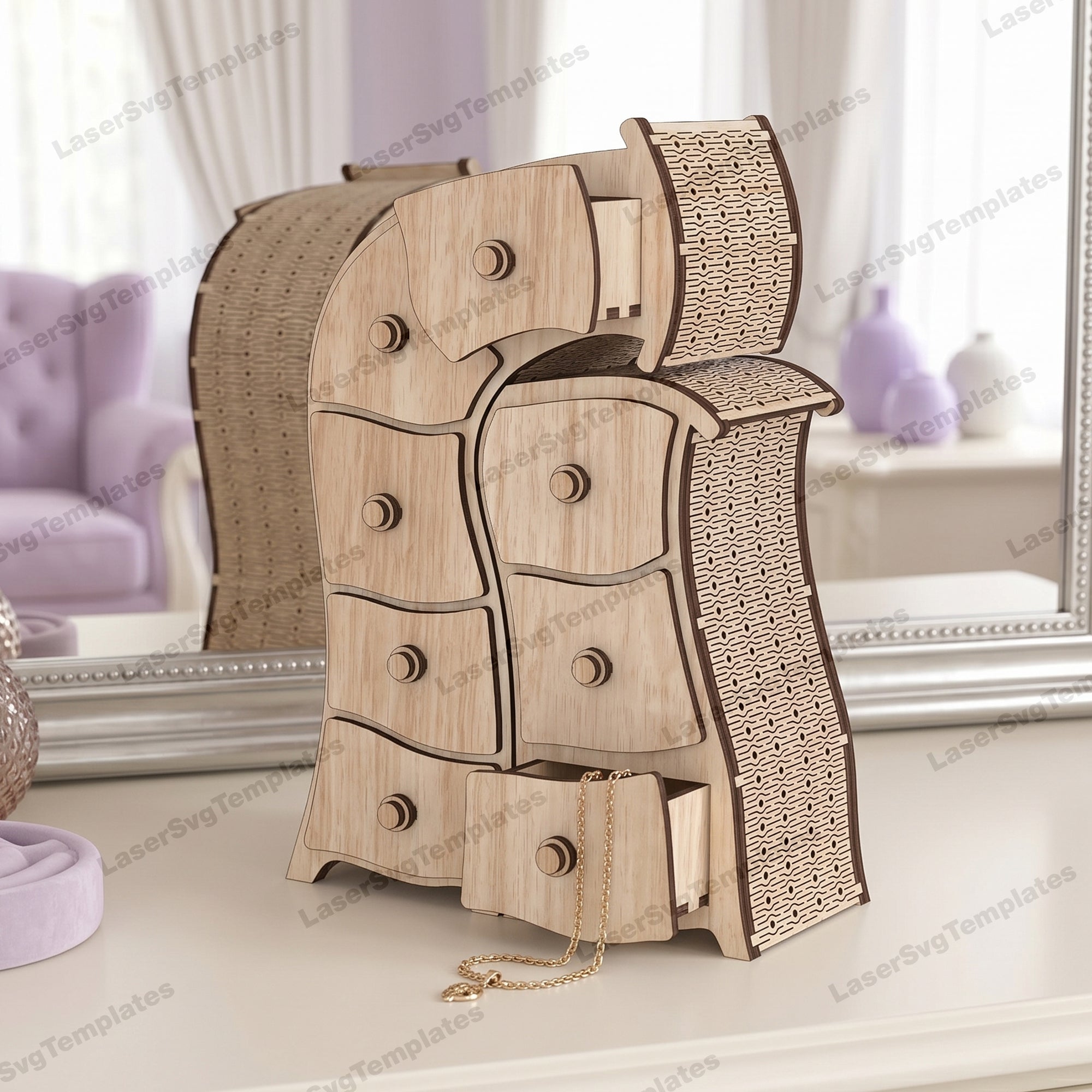
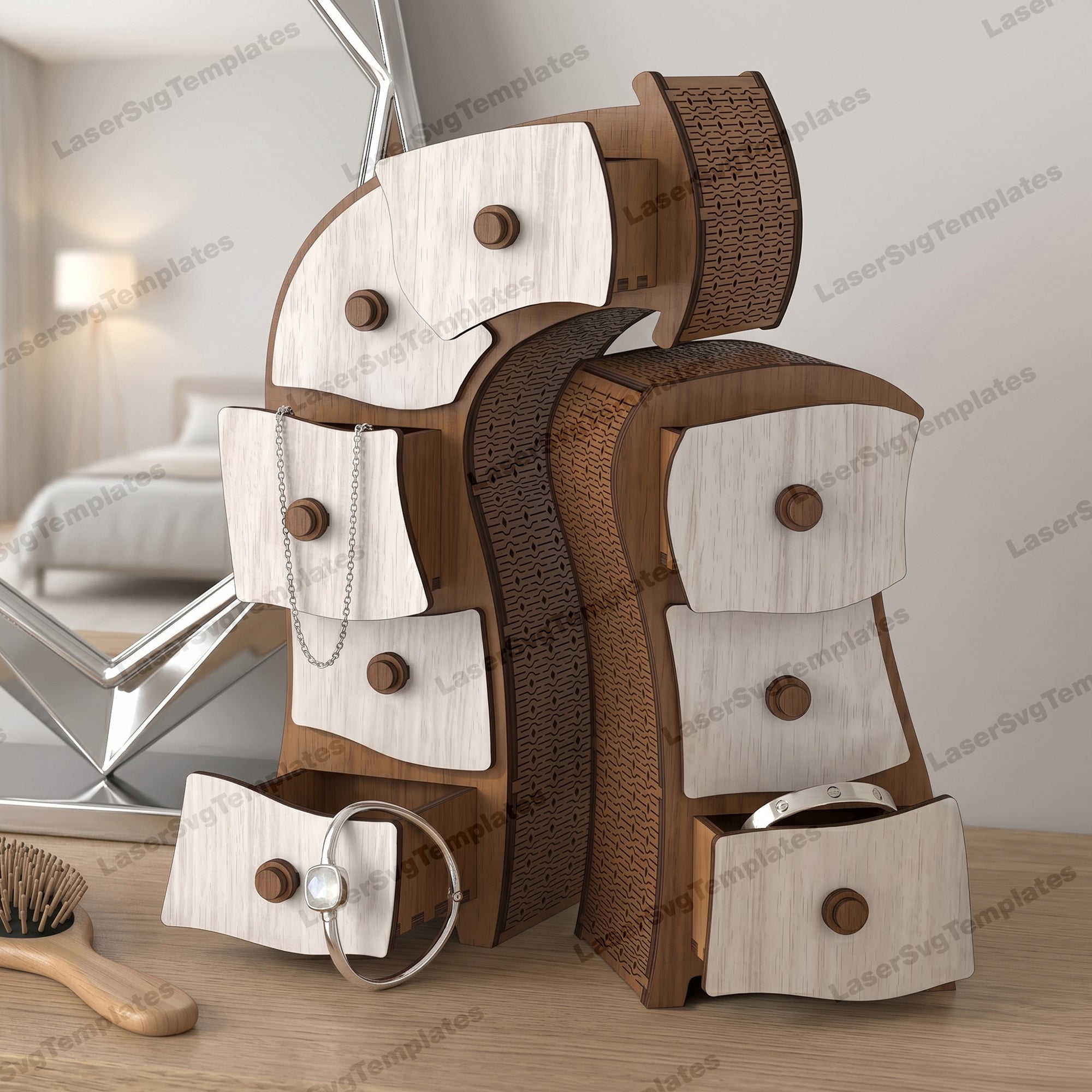
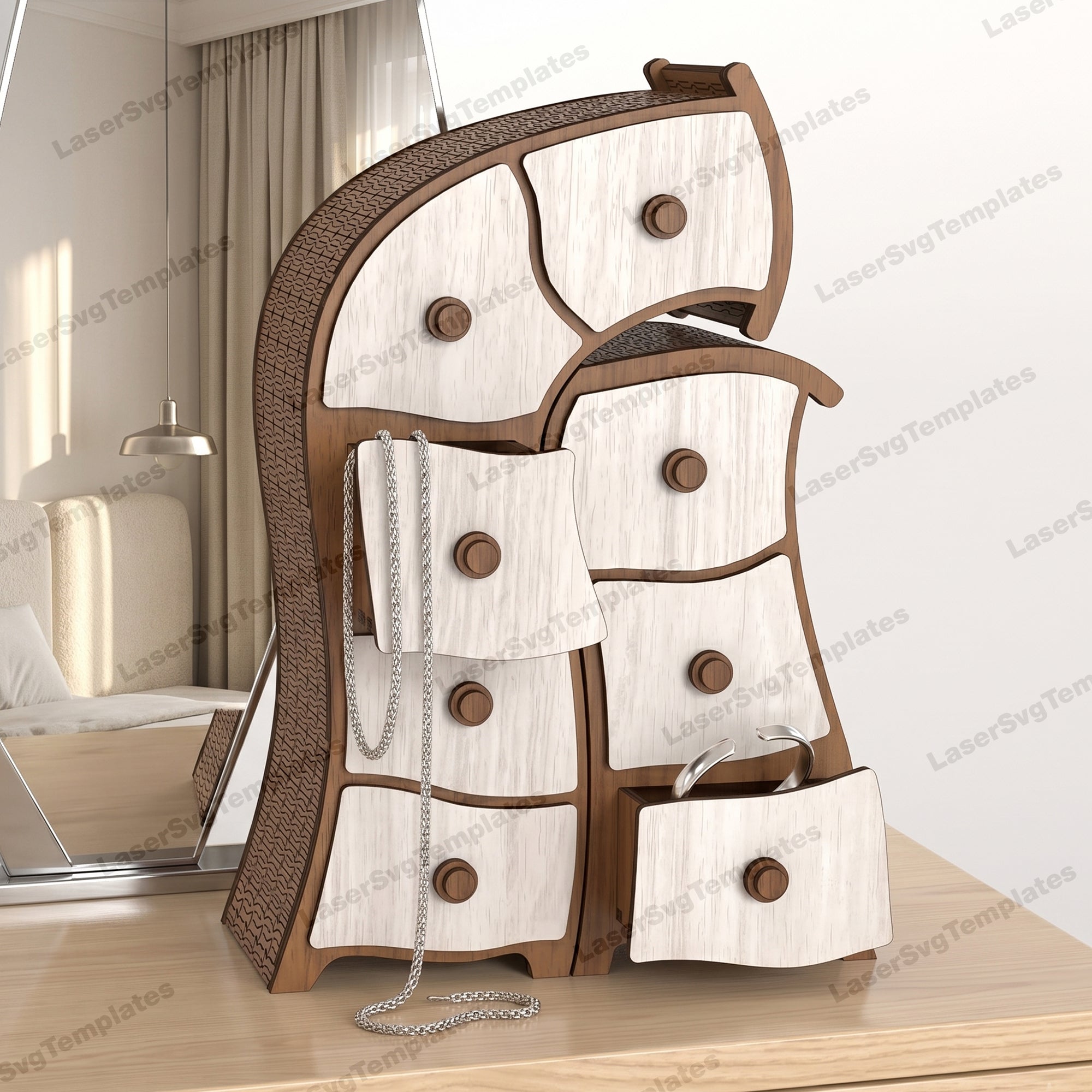
FREQUENTLY ASKED QUESTIONS
How do I download the files after purchase?
After checkout, you’ll receive an instant download link to a ZIP archive with all files included. Check please Spam folder
Which laser machines and software are compatible?
These files work with most CO₂ and diode lasers, including Glowforge, xTool, OmTech, and software like LightBurn, RDWorks, Illustrator, and Inkscape.
What file formats are included?
You will receive SVG, DXF, AI, EPS, CDR and PDF files, compatible with most laser cutting software.
Are refunds available for digital products?
Due to the nature of digital downloads, refunds are not available once the files have been downloaded. But If you ordered it by mistake and don’t download we can refund
Do I need to edit or fix the files before cutting?
No. The files are ready to cut with clean vector paths.
What if I have a problem with the file?
If you need help, our customer support is available to assist you.